Planlined Quick Start Guide
Start with a reviewed case, work the recommendation safely, and prepare the materials your client and employees need.
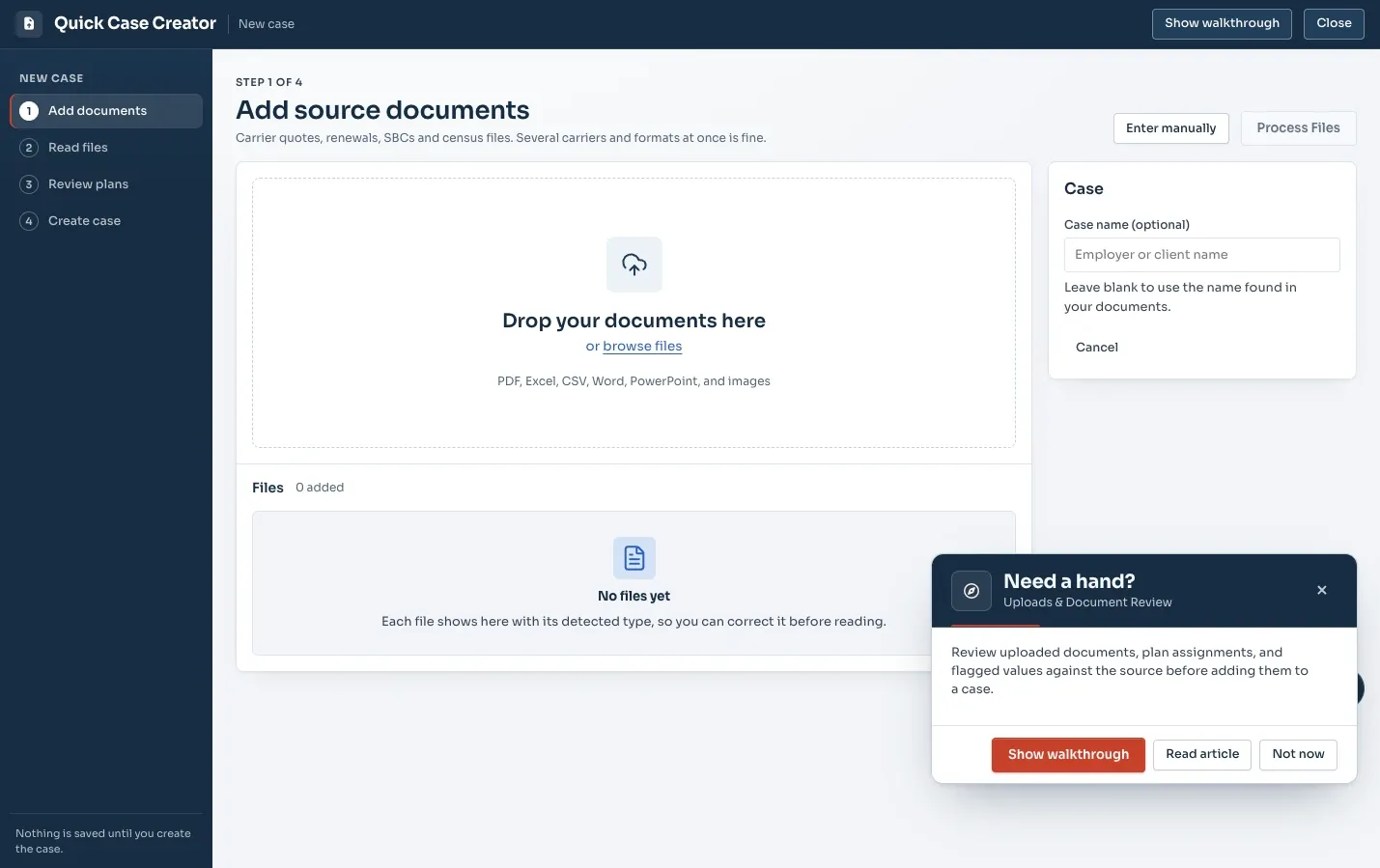
Before you open Planlined: gather five things
The first case goes smoothly or badly depending almost entirely on what you have in hand when you start. Collect these five before anything else, because each one is difficult to add later without redoing work:
- The current plan documents. The SBC or benefit summary actually in force today, for every line of coverage, not the renewal letter's description of them.
- A recent carrier invoice. This is who is genuinely enrolled, by tier. It is routinely different from the census, and every annual total you produce depends on getting it right.
- The census the carriers were quoted on. If different carriers were quoted on different versions, the quotes are not comparable and you need to know that now.
- The incumbent's renewal, including any alternate or buy-down plans offered alongside it.
- Every competing quote with its rate sheet. The benefit summary without rates only gets you halfway.
The document intake guide goes into which file formats read cleanly and how to name them so the case still makes sense six weeks later.
1. Bring carrier materials into a case
Start with the carrier documents you received: quotes, rate sheets, SBCs, invoices, and spreadsheets. Planlined brings these materials into a single case so the comparison and its source information remain connected.
- Add the documents needed for the plans you are reviewing.
- Keep current, renewal, and alternate options clearly organized.
- Use the case as the common workspace for the recommendation.
2. Verify the plan data
Review important plan values alongside the source document. Correct or confirm the information before it becomes the basis for a recommendation. This is the handoff from document intake to a reviewable case.
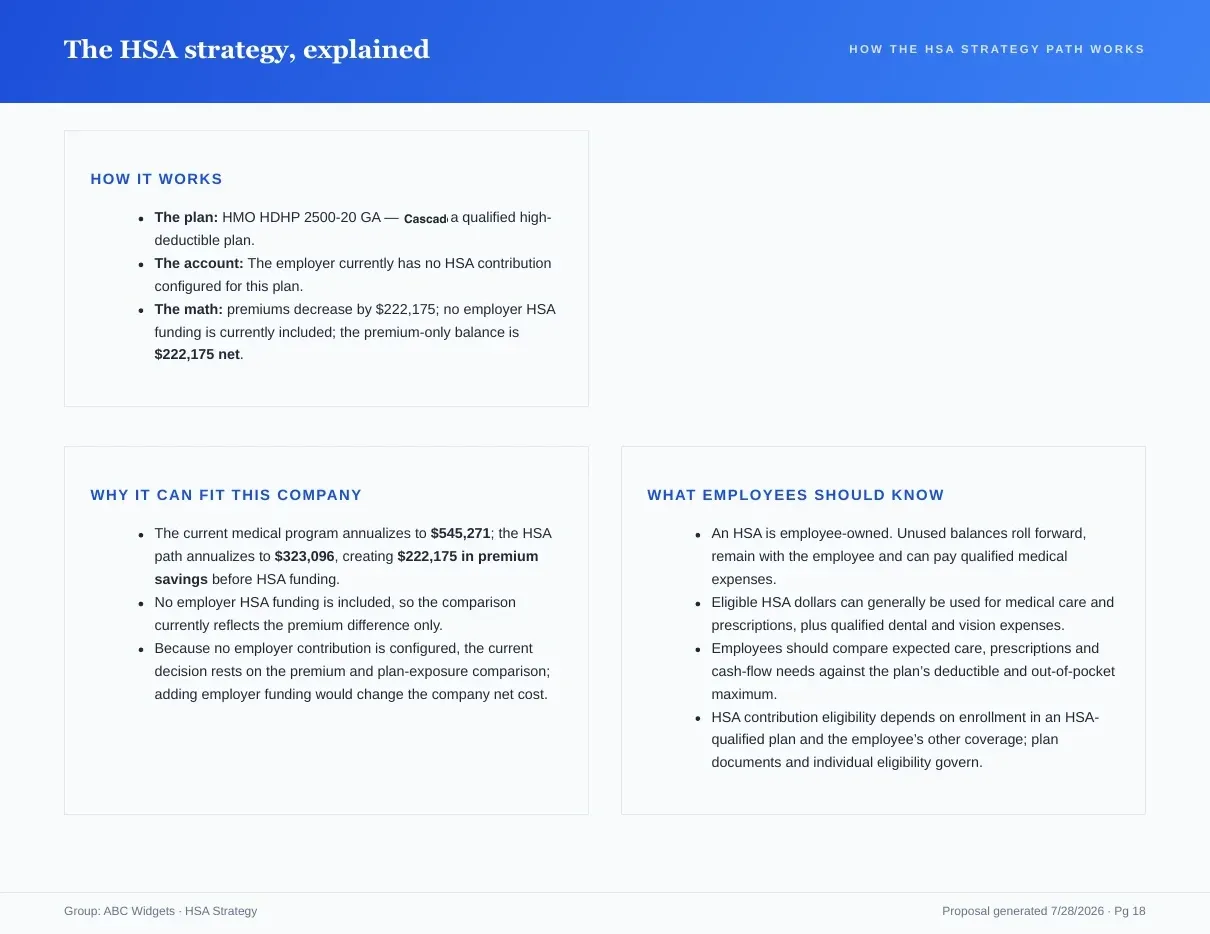
3. Work the recommendation in Scenario Manager
Create a safe working copy when you want to explore contribution or enrollment choices. The original case stays intact as the baseline while the scenario captures the recommendation under review.
- Name each scenario so teammates can understand the decision it represents.
- Compare the working scenario against the baseline.
- Adopt the selected scenario deliberately when it is ready to move forward.
4. Prepare client and employee materials
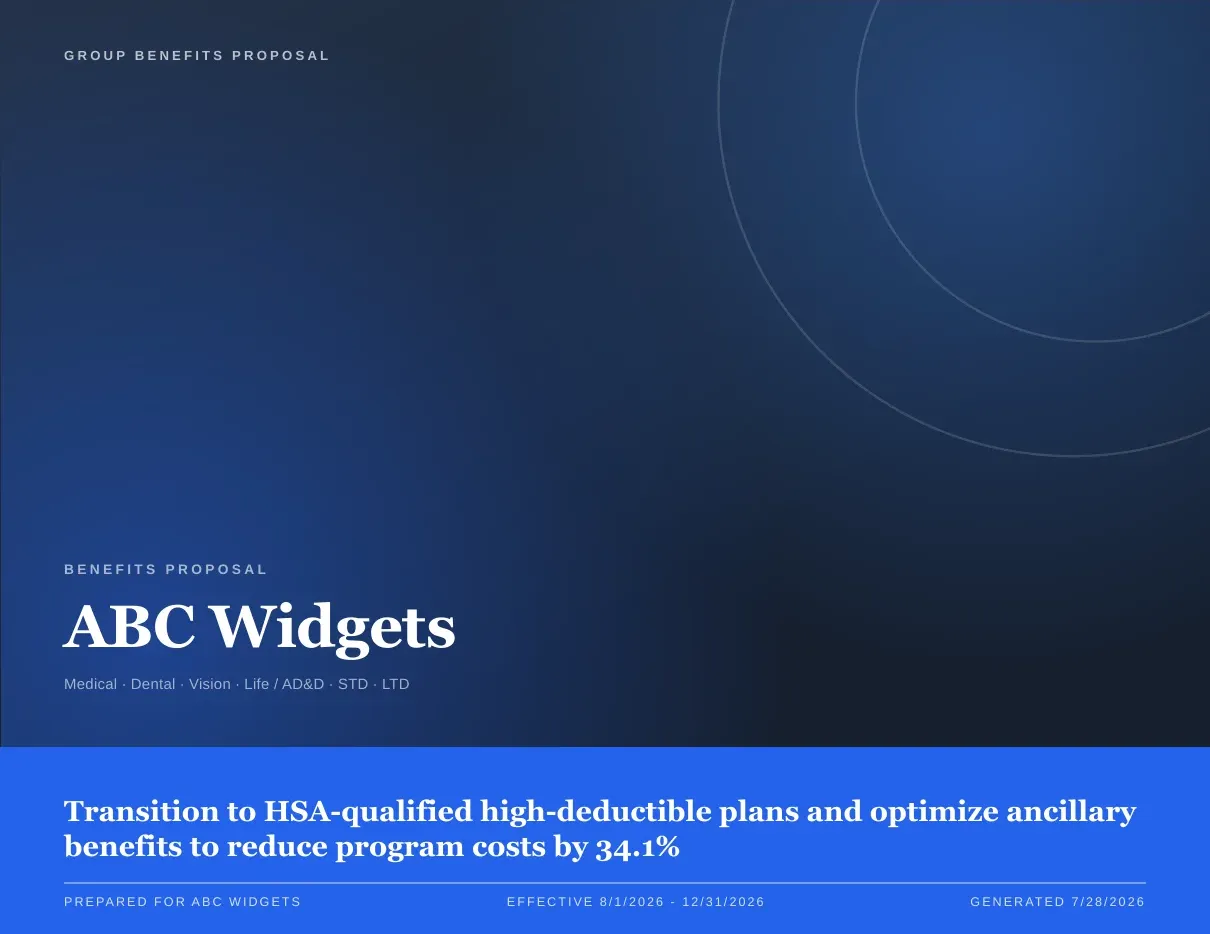
Use the approved case to prepare the delivery format that fits the next step: a Proposal Book for the recommendation, Present Proposal for the meeting, and a Benefit Guide for employee enrollment communication.
Choosing the right output for the moment
One approved case produces several deliverables, and picking the wrong one is a common first-case stumble — sending a 25-page PDF to someone who wanted a number, or presenting from a document designed to be read alone.
| Output | Who it is for | What it carries |
|---|---|---|
| Proposal Book (PDF) | The employer, and everyone they forward it to | Cover, program financials, benefit comparison, multi-year projection, the strategy in plain language, paycheck math and a signature page |
| Present Proposal | The room, during the meeting | The same book, presented live |
| Excel workbook | The finance person who wants to check your math | Plan comparison sheets per benefit type, plus contributions, projection and deductions |
| Benefit Guide (PDF or hosted link) | Employees, during enrollment | Plan summaries, side-by-side options, enrollment steps and dates, contacts, FAQs and plan notices, with per-paycheck figures |
A practical default: send the Proposal Book ahead of the meeting, present from Present Proposal in it, have the Excel workbook ready for the CFO's follow-up, and build the Benefit Guide once the decision is made. The proposal tool overview covers the same path from the other direction, and product facts lists every input and output in one place.
A worked example: Ridgeline Components, start to finish
Ridgeline Components Inc is the sample case Planlined ships with — a group renewing medical alongside dental, vision, life and disability. A full pass looks like this:
- Upload the current SBCs, a recent invoice, the census, the incumbent renewal, and two competing carriers' quotes with rate sheets.
- Reconcile the invoice against the census before touching the comparison. Enrollment is the multiplier under every annual figure you are about to produce.
- Work through the flagged fields against their source pages, then designate each plan as current, renewal or alternative.
- Apply the employer's contribution strategy and read off annual employer cost and annual employee cost per option.
- Open a named scenario — "HSA buy-down, 80% ER contribution", not "scenario 2" — to test the alternative, leaving the baseline untouched.
- Adopt the scenario you will recommend, then export the book, and brand it once using the proposal branding guide so next July's renewal opens already branded.
Before you send anything
- Confirm plan data against its source material.
- Make sure the adopted scenario is the recommendation you intend to deliver.
- Check the enrollment counts behind the annual totals against the invoice.
- Confirm every quote in the comparison assumes the same effective date.
- Review the final output for client context, branding, and enrollment communication.
- Keep the baseline case available for follow-up questions.
Common first-case mistakes
- Editing the baseline instead of opening a scenario. Once the original is gone, you cannot show the client what you compared against.
- Unnamed scenarios. "Scenario 3" means nothing to a colleague, or to you in November.
- Fixing a number in the exported PDF. The case still holds the wrong value, and the next export brings it back.
- Building the benefit guide from scratch. It comes from the same case; rebuilding it by hand is how the guide and the proposal end up disagreeing.
- Treating review as optional because the extraction looked right. Flags catch uncertainty, not a confidently misread plan name.
Ready to start with a case?
Bring the next carrier file set into one connected workflow.