Feature
Employee benefits guide themes, built from your case.
Show employees their plans, paycheck costs and enrollment steps in a guide built from the same reviewed case as your client proposal. Choose a theme, edit the details and review it before sharing.
Themes
Eight designer guides. One click each.
Looking for how the guide is built from carrier files, what it needs from the case and what it costs? That is the employee benefit guide generator page. This page compares the visual themes. For a file to edit yourself, download the free Word guide template. For content planning, use the guide writing checklist.
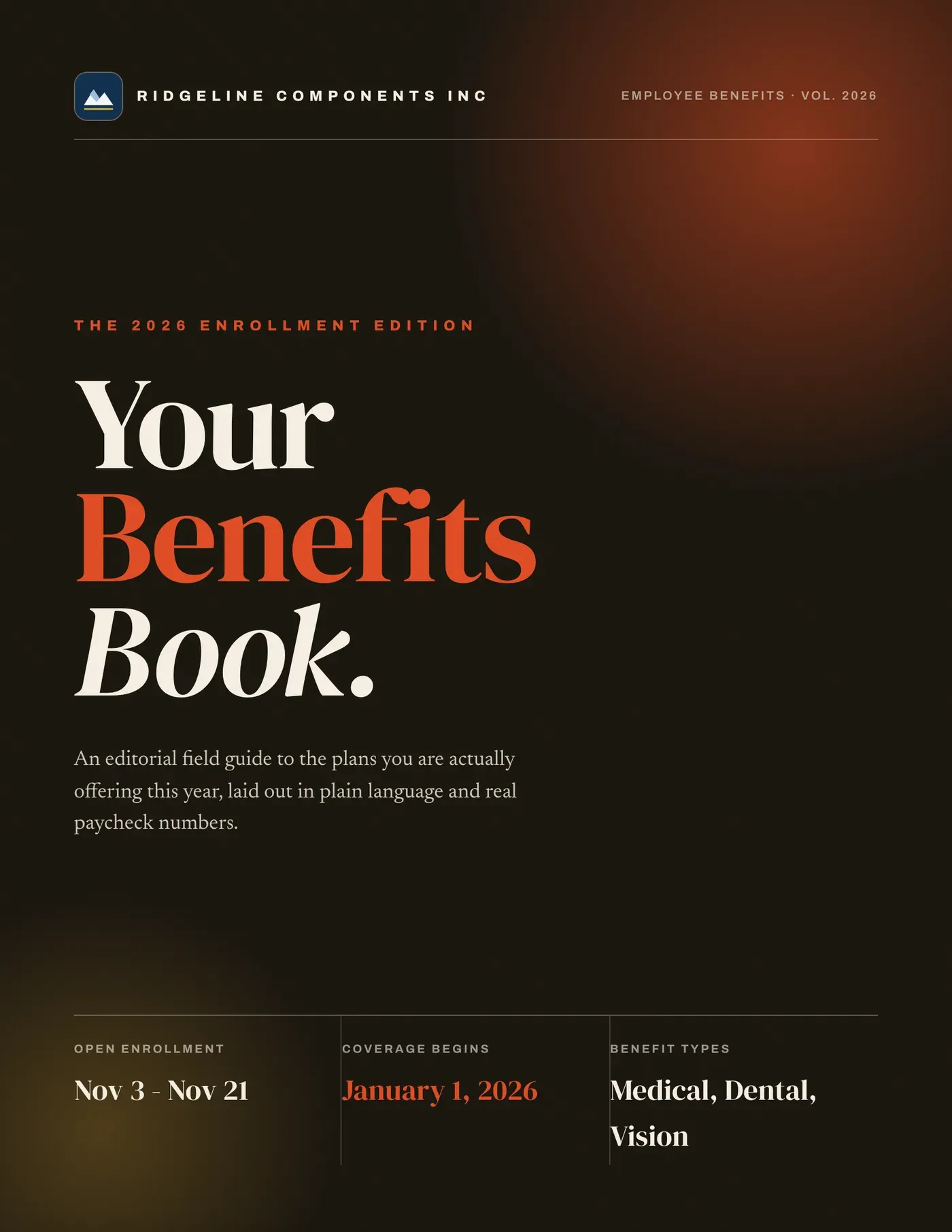
Editorial Bold
Magazine, ink and sienna
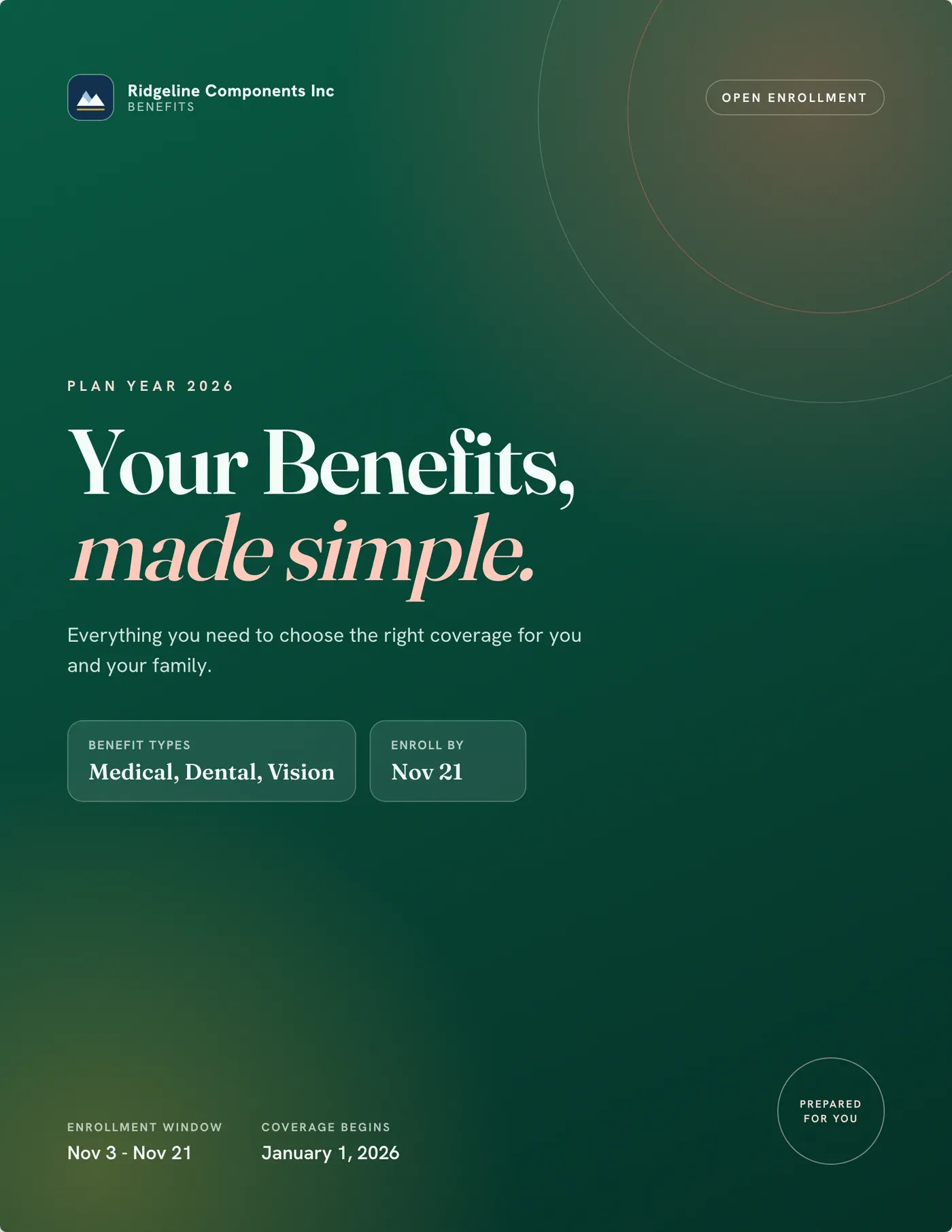
Modern Clean
Airy, approachable
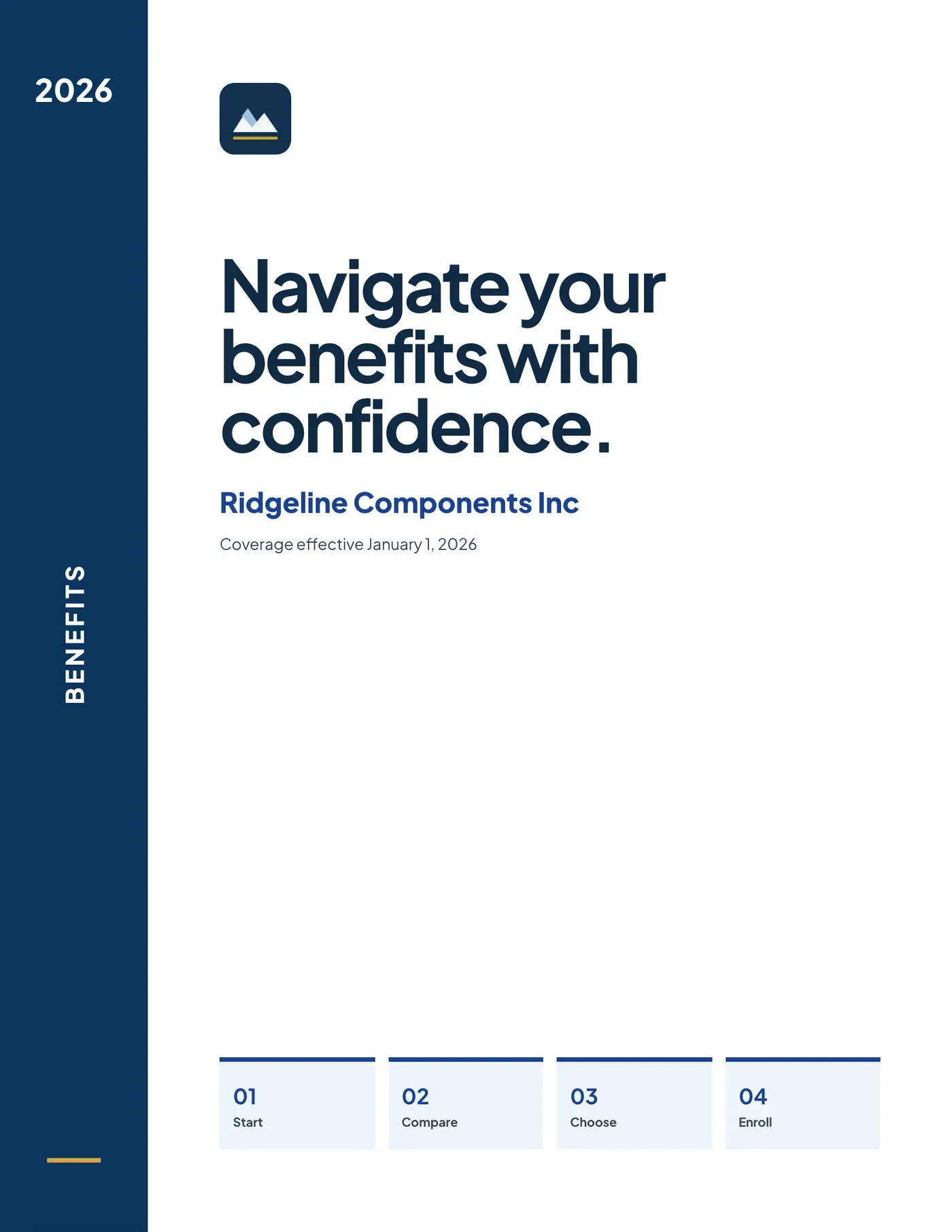
Blue Navigator
Employee-first wayfinding
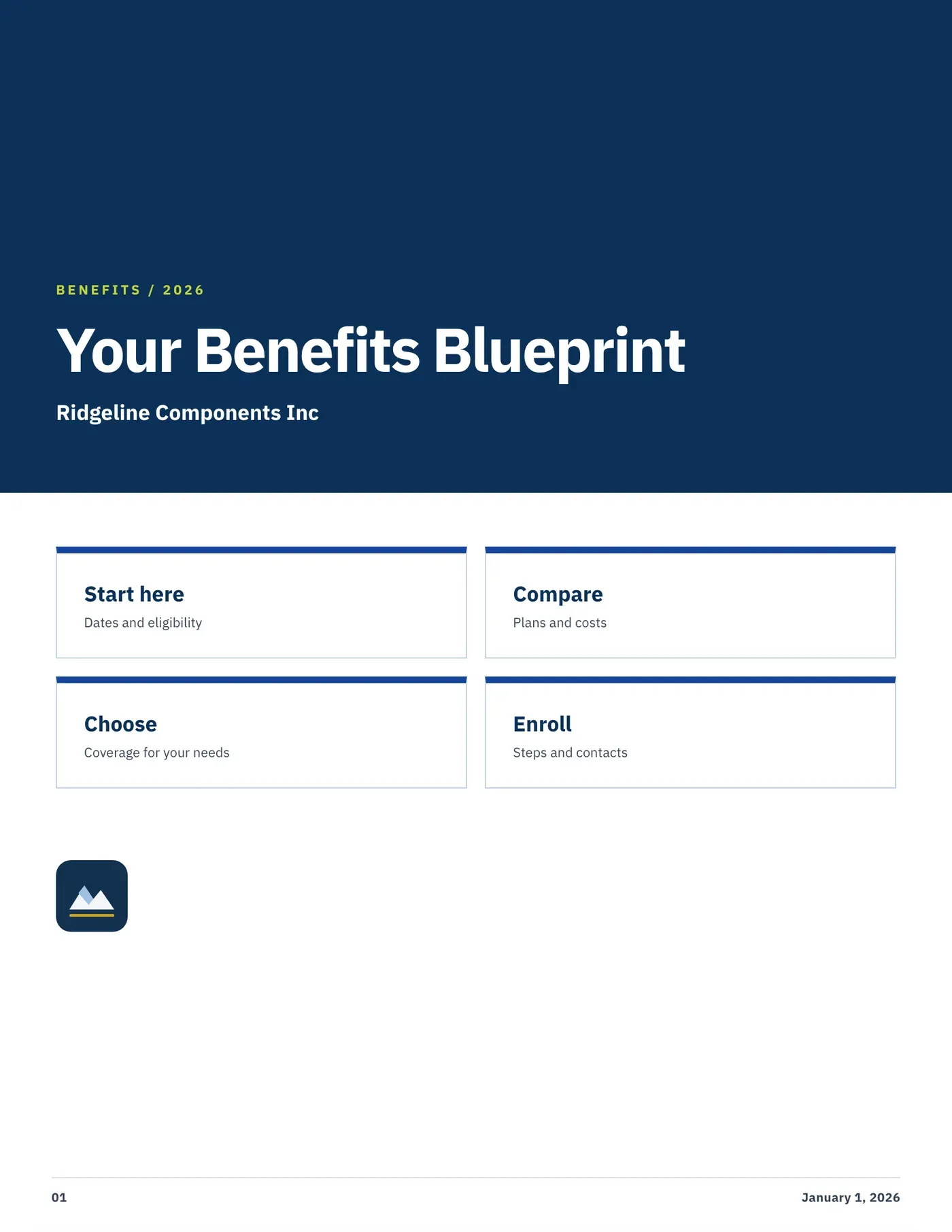
Modular Blueprint
Grid-led, information-first
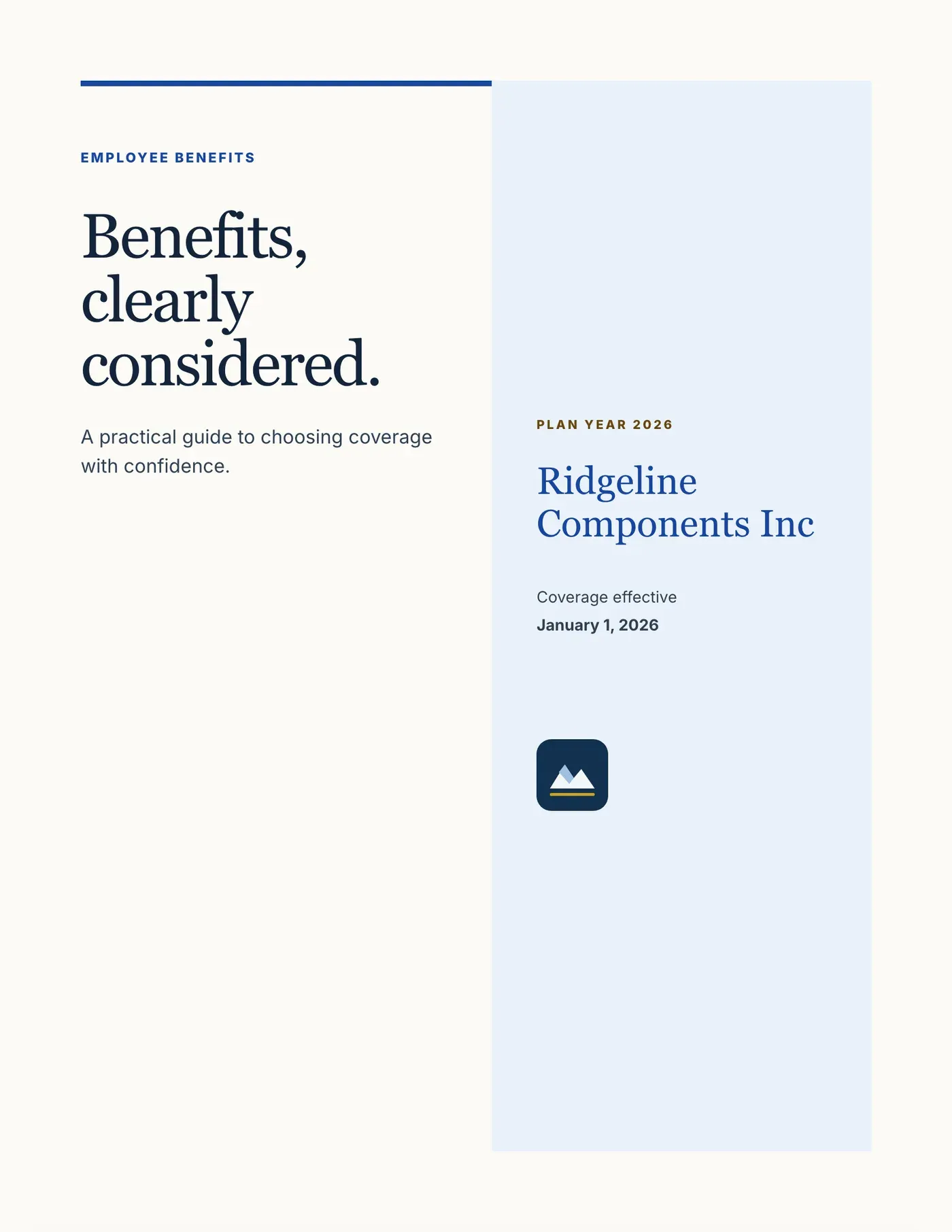
Editorial Cobalt
Annual-report typography
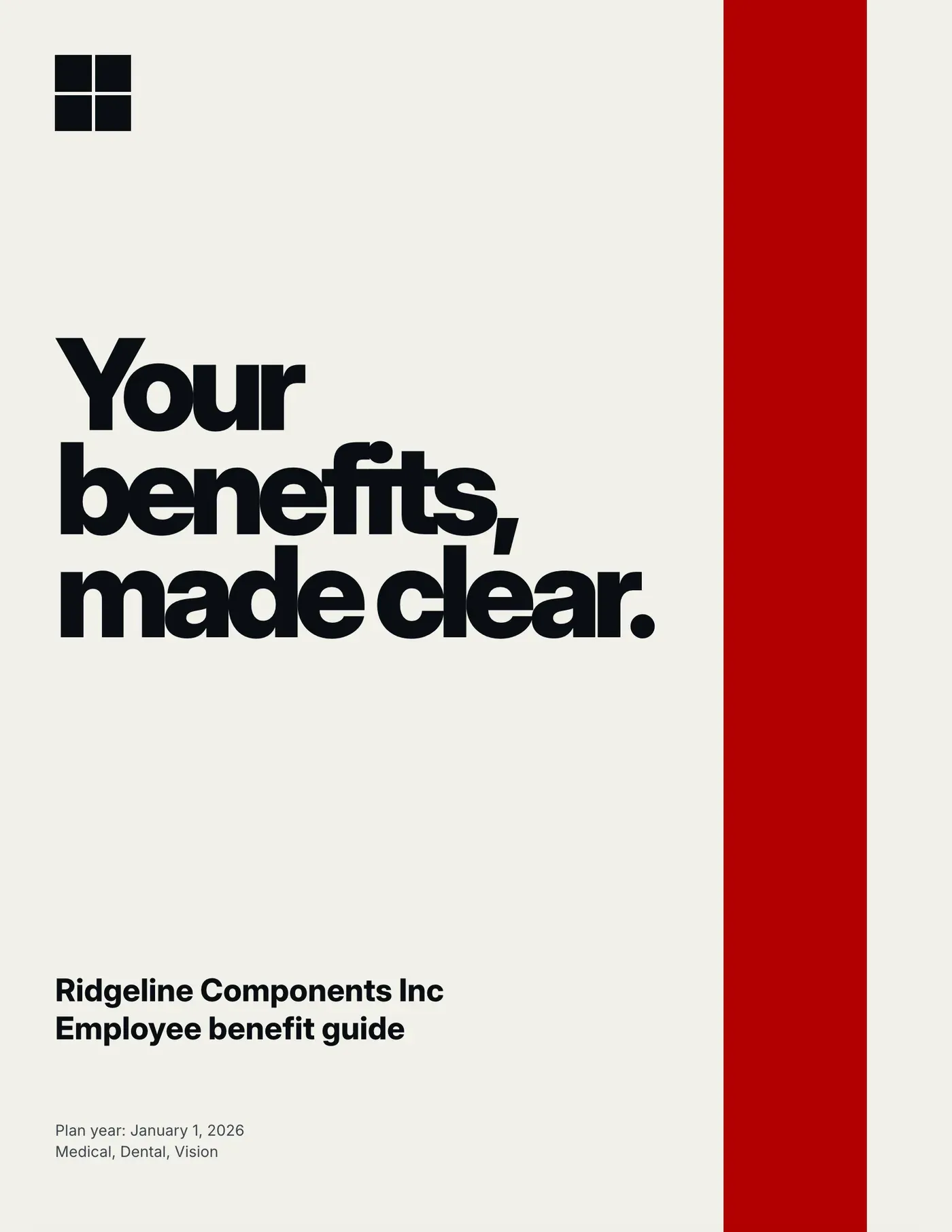
Civic Signal
Swiss, high contrast
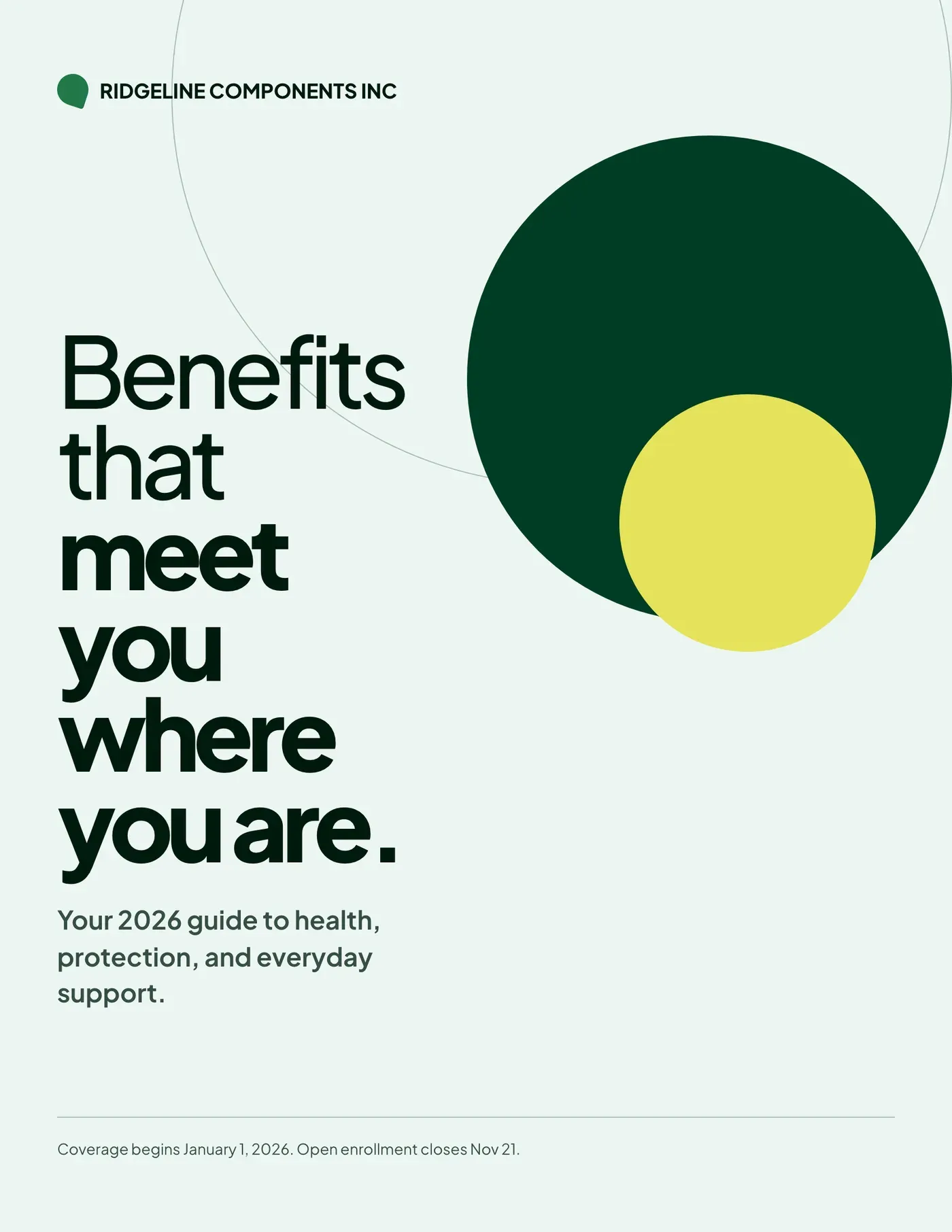
Canopy
Calm, human-centered
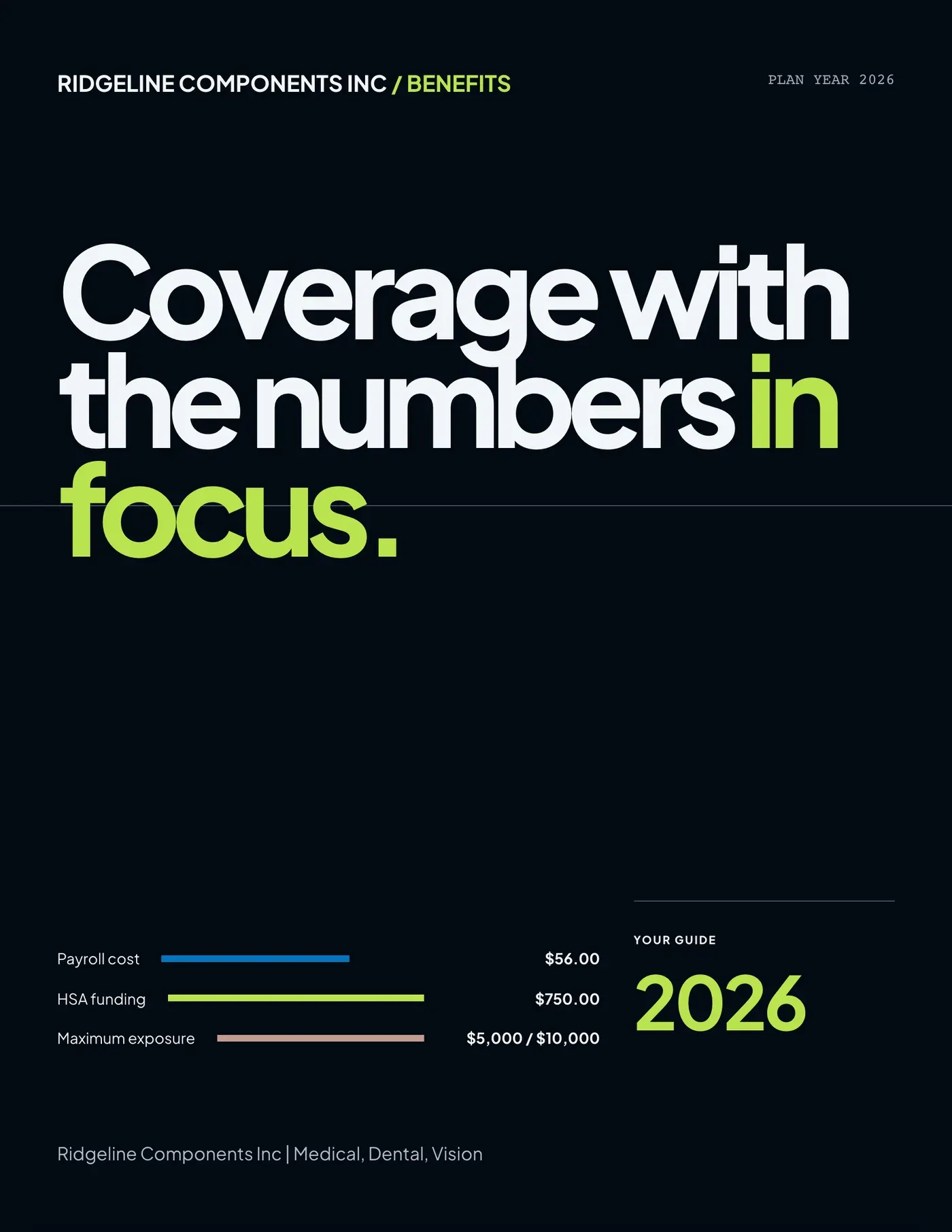
Night Ledger
Executive, cost-ledger
Every theme takes the client’s logo — or override the primary and accent colors with the agency’s own.
Inside the guide
Spreads employees actually read.
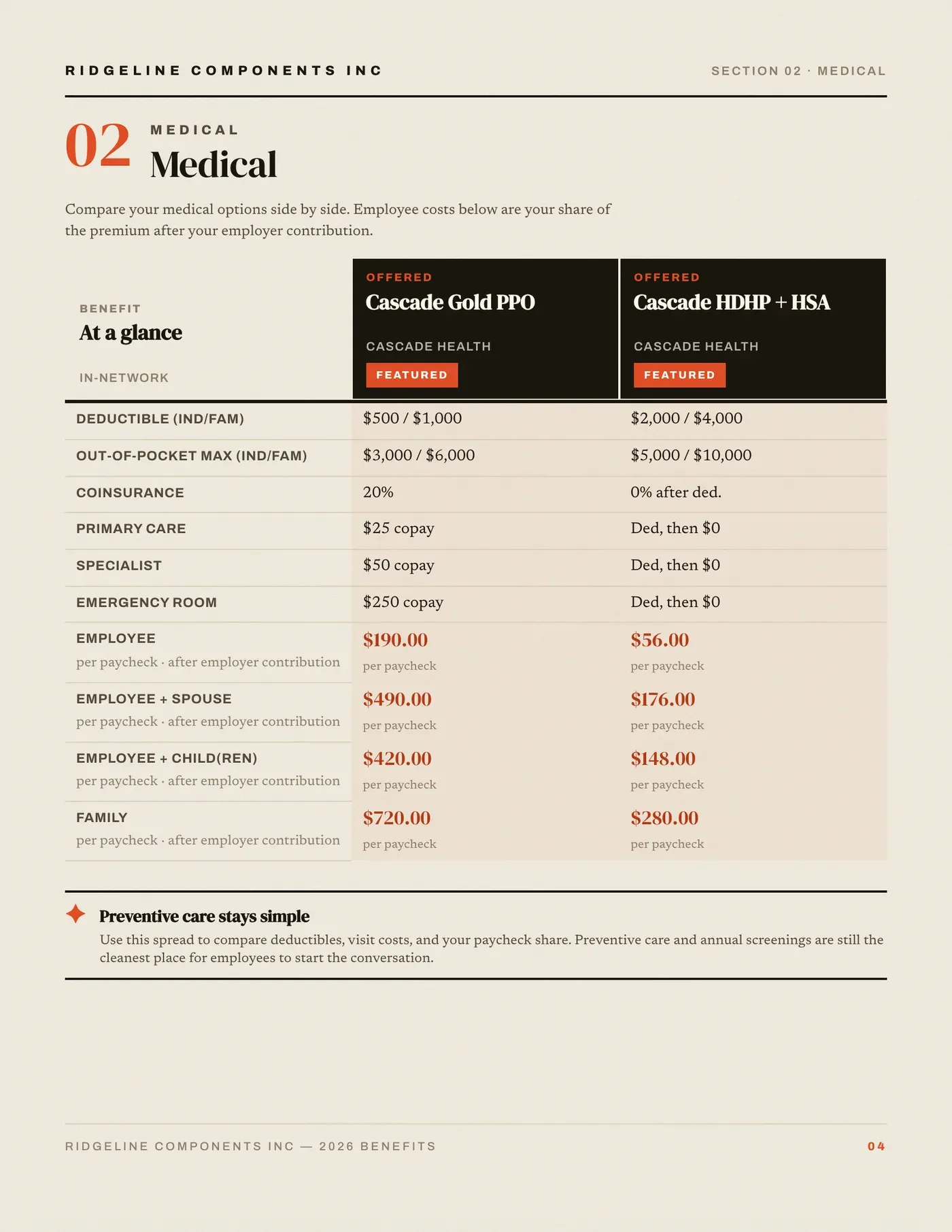
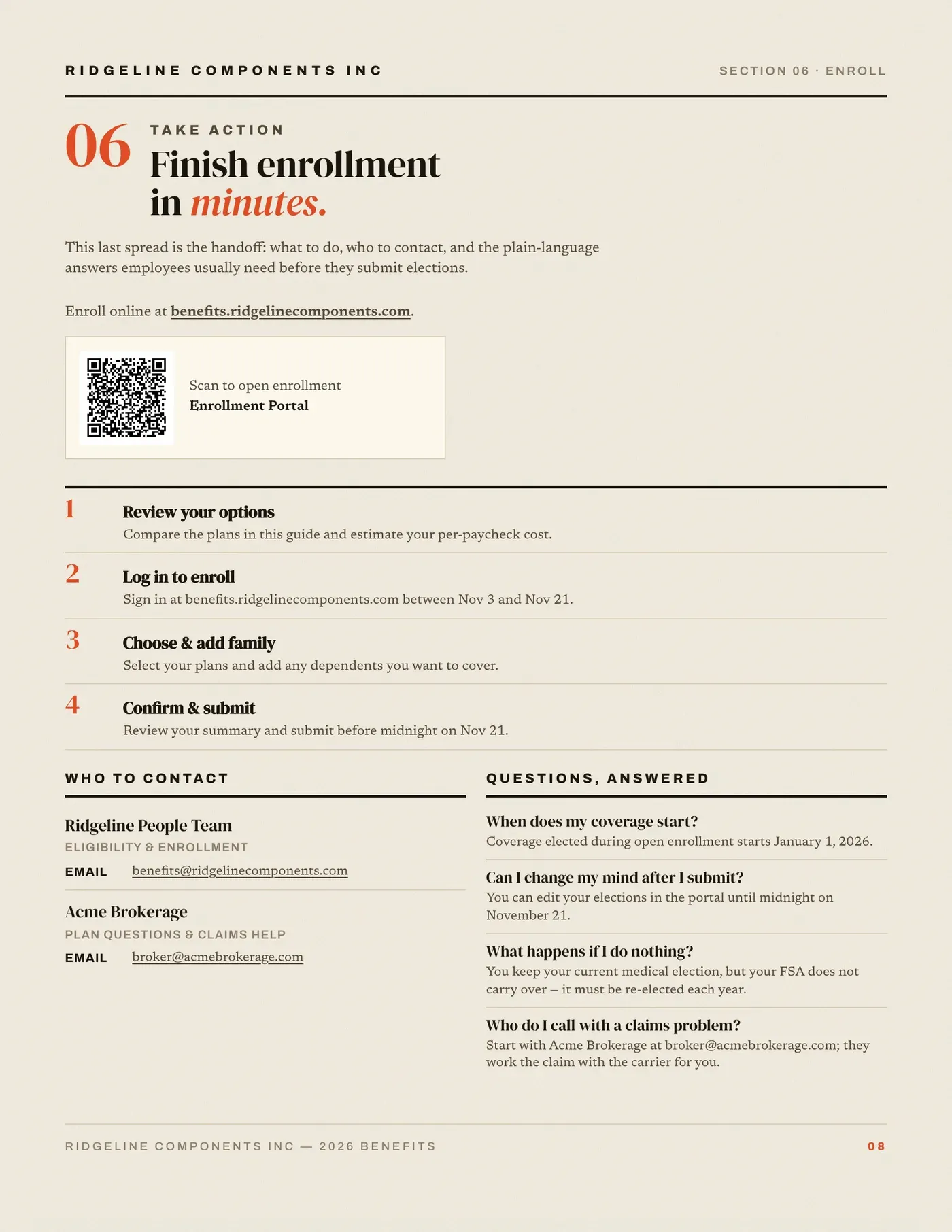
Page 1 of 2Deductible, out-of-pocket max, visit costs and the per-paycheck number, side by side.
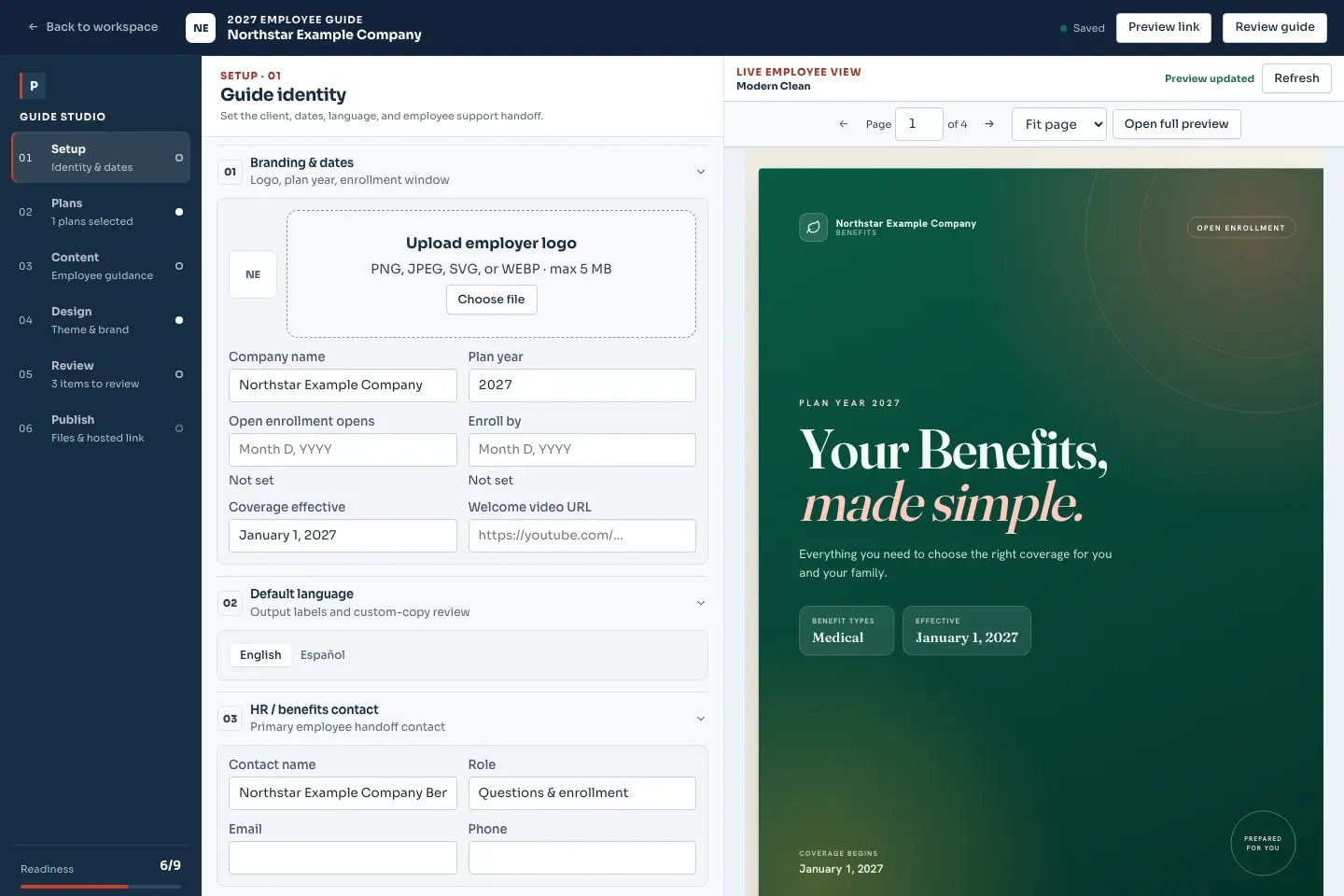
Preview it exactly as the employee will see it
Setup — brand, dates, language
Theme and color overrides, the employer’s logo, plan year, enrollment and effective dates, an optional welcome video, and whether the guide reads in English or Español.
Plans — sections and coverage
Switch guide sections on or off, choose which quoted plans appear, rename them the way employees know them, and pick the comparison rows that show.
Content — edit the words
Eligibility, enrollment steps, contacts, FAQs and plan notices are all editable copy.
Review & export
A readiness check flags missing dates, plan data, portal links and notices before anything leaves your desk. Then export a PDF, or publish a link employees open on their phone.
Inputs and outputs
What goes in, what comes out.
You bring
- The approved case: the plans, rates and contribution model behind each per-paycheck cost.
- The employer's logo, plan year, enrollment and effective dates, and an optional welcome video.
- Eligibility, enrollment steps, contacts, FAQs and plan notices, all editable copy.
- Last year's guide, if there is one: PDF and Word open enrollment guides have their own reader.
You get back
- A designed benefit guide as a PDF, in English or Español.
- A hosted link employees open on a phone.
- Per-paycheck deductions by plan and tier on the actual pay schedule.
- An email to the employer contact list with the guide attached as a PDF, sent from the case.
Every accepted file type and export format is listed on the integrations, exports and API page, and the one-page summary of what Planlined is and is not lives on Planlined product facts.
When to use it
Where it fits in a renewal.
- Open enrollmentPublish the guide link when enrollment opens, with the deadline, the portal QR code and who to call already in it.
- Employees who read Spanish firstSet the guide to read in Español in the setup step; the plans, rates and paycheck figures come from the same case either way.
- Right after the renewal decisionBuild the guide from the case the committee just approved, so the employee version cannot drift from the proposal book.
What it does not do
- It is not an enrollment system. The guide explains the plans and points employees to the enrollment portal; elections happen there.
- It does not produce Word or PowerPoint files. The guide is a PDF or a hosted link.
Employee benefit guide questions
How is the employee benefit guide generated?
From the same case as the proposal. Pick one of eight themes, set the dates and branding, choose which plans and sections appear, edit the copy, then export a PDF or publish a link.
Can the benefit guide be in Spanish?
Yes. Each guide can read in English or Español, chosen in the setup step.
What does the benefit guide workflow cost?
Start a 7-day free trial with full features. A card is required to start, and Professional bills $75 a month after the trial unless you cancel first. Professional is $75 per month or $744 per year ($62 per month billed annually), with 250 AI credits per month. Paid cases and exports are unlimited; AI processing has a separate allowance. Confirm workspace setup before purchasing for a team. The free booklet template is a separate download for building a guide manually.
What should I review before sharing an employee benefit guide?
Check the approved plan values, employer contribution and pay frequency, employee cost per paycheck, eligibility, enrollment and effective dates, portal link, contacts and applicable plan notices. Extraction may need corrections or manual entry. Review the PDF or hosted guide before sharing it.
What does the benefit guide readiness check look for?
Missing dates, plan data, portal links and notices. It flags them before anything leaves your desk.
Choose a guide workflow for your next renewal.
Inspect a fictional sample case and its payroll calculations, then use the guide preparation checklist to collect the dates, contacts and enrollment instructions.
For a manual layout, download the free employee benefits booklet template. For a guide built from your reviewed case, review Planlined pricing and trial terms.
Both books. Same case. Zero rework.
Build the case once — Planlined produces the broker-facing proposal and the employee-facing guide from it.