Feature
Case Library & Cloud Sync
All your benefit cases in one place in Planlined. Cloud-synced, searchable, and accessible from anywhere. Never lose a proposal again.
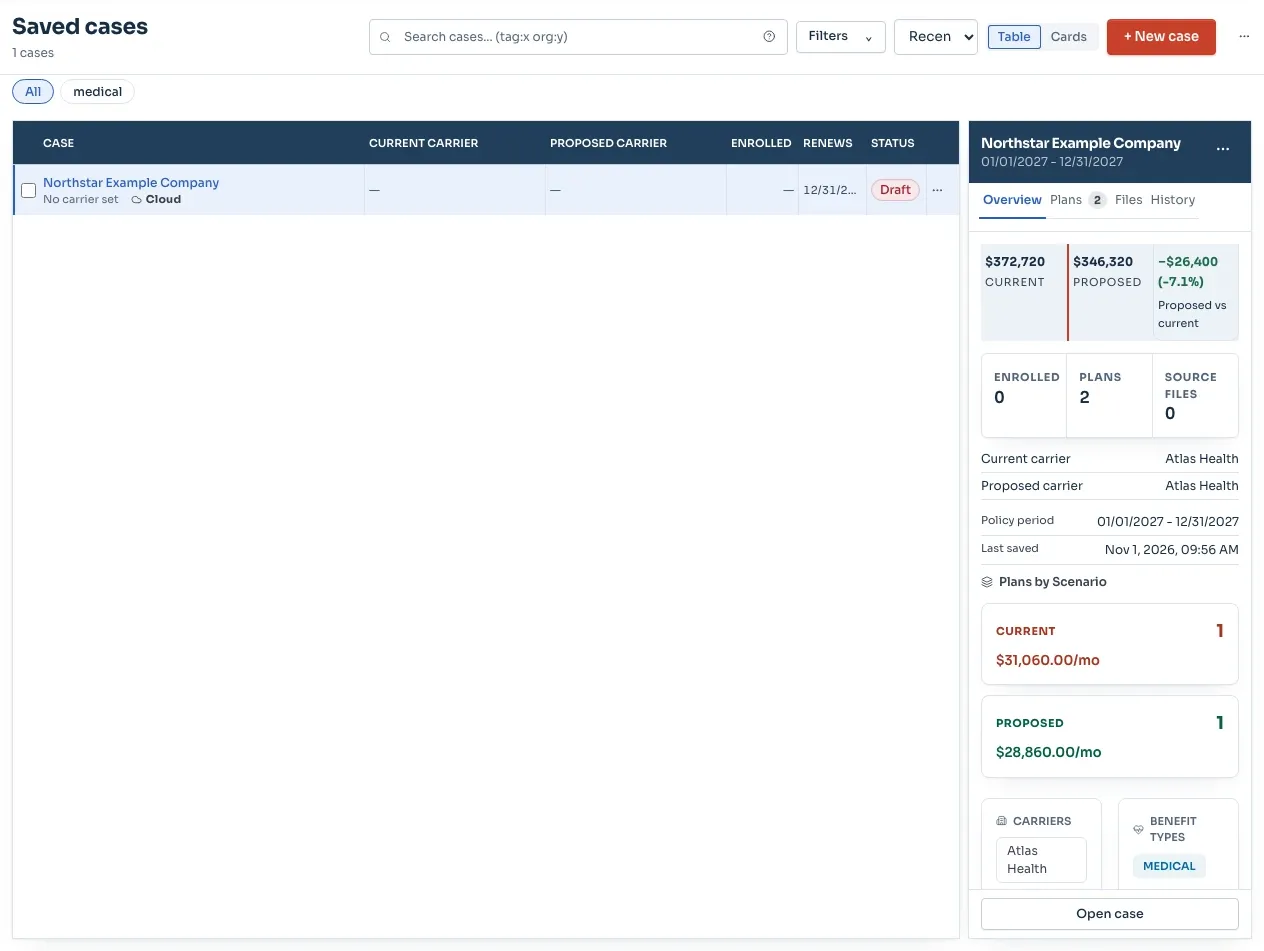
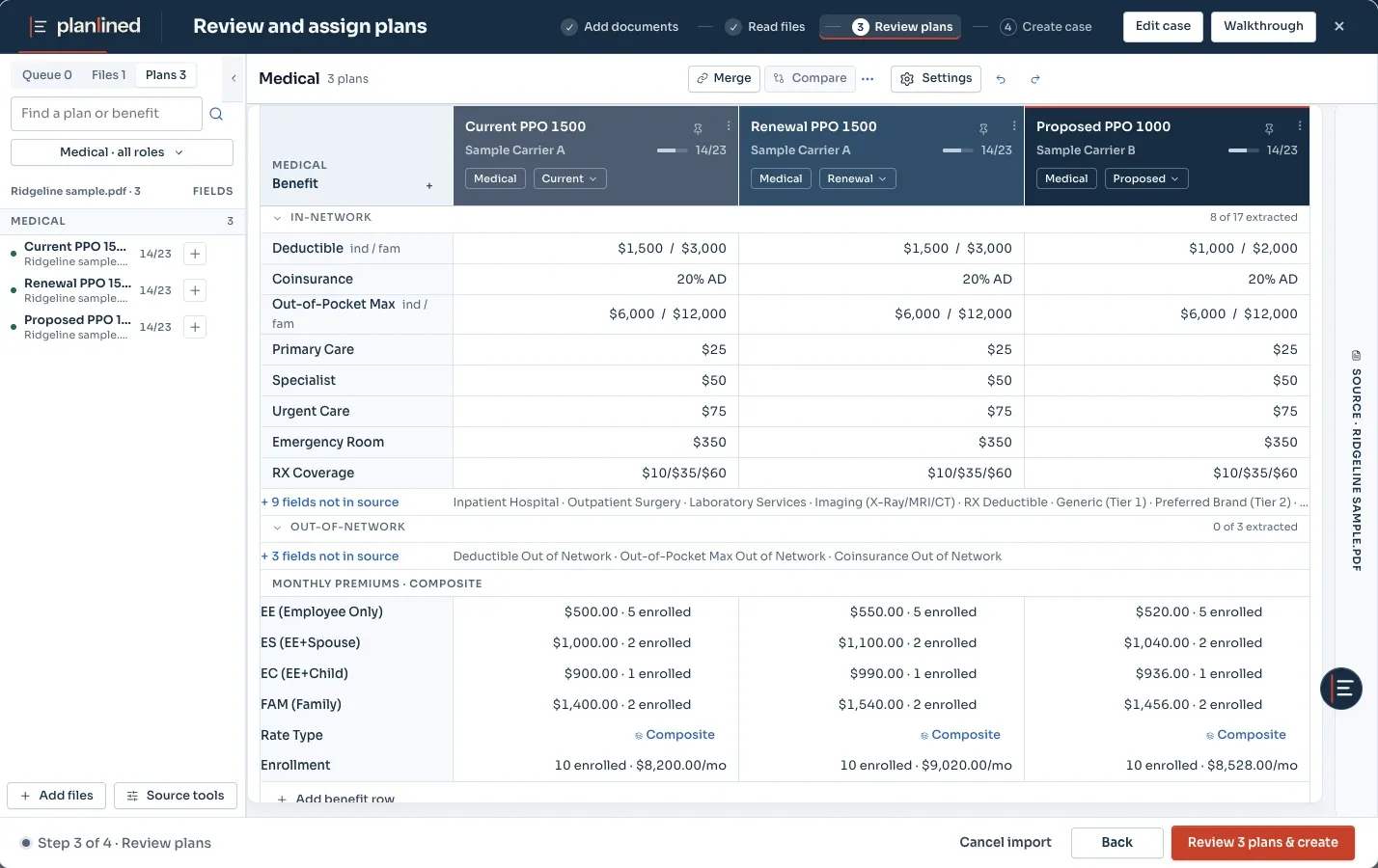
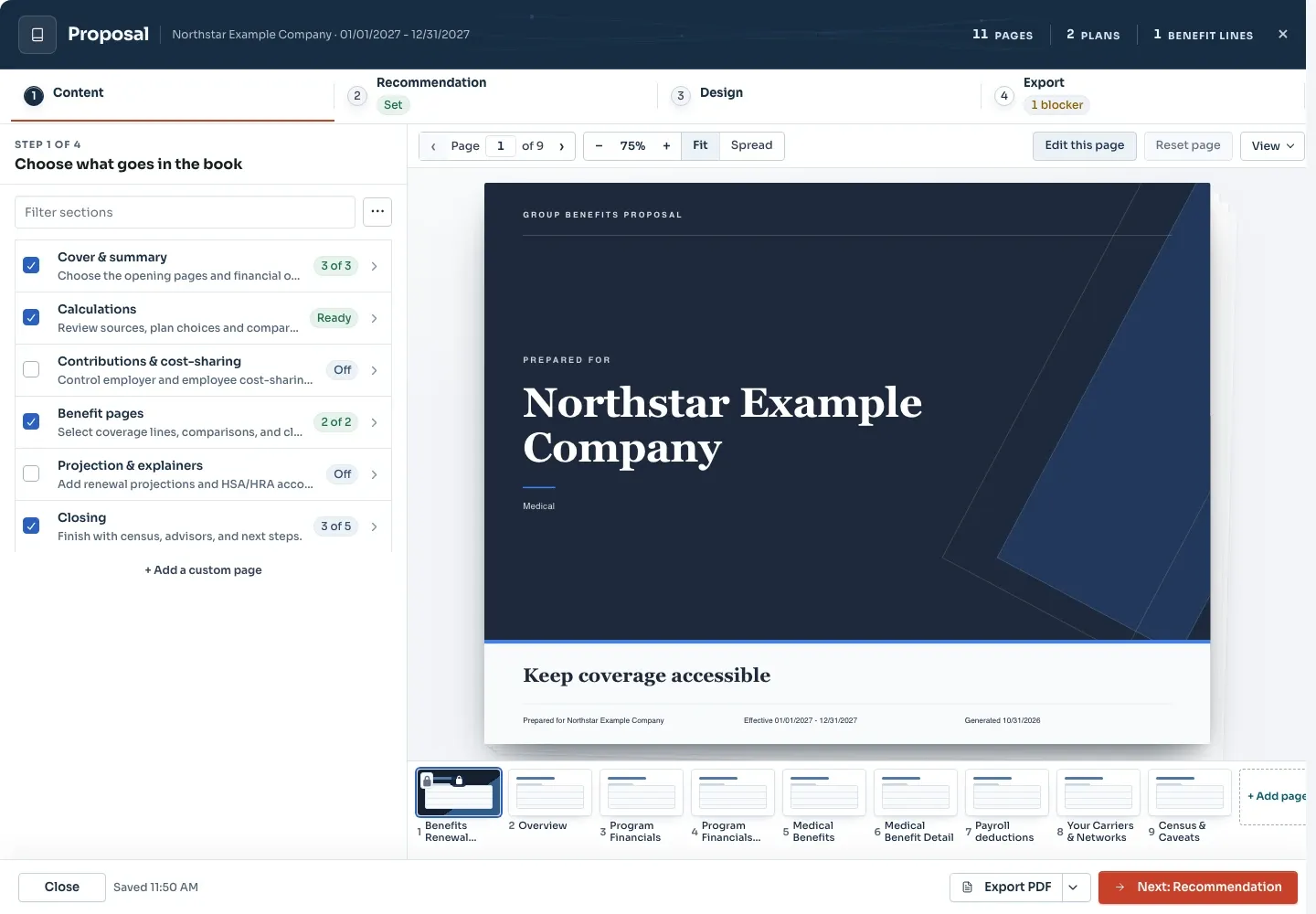
Page 1 of 3Saved cases stay available to reopen, review and build from.
What you get
Why Case Library & Cloud Sync?
- Cloud SyncAll cases automatically sync to the cloud. Access your work from any device, anywhere.
- Instant SearchFind any case instantly by employer name, policy period, or tags. Filter by date, status, or custom criteria.
- Favorites & TemplatesStar frequently accessed cases for quick launch. Save cases as templates for recurring clients.
- Bulk ActionsSelect multiple cases to export, archive, or delete in one operation. Streamline your workflow.
- Activity TrackingSee which cases were updated recently. Never lose track of in-progress work.
- Grid & List ViewsSwitch between visual grid cards or compact list view based on your preference.
Keep the renewal baseline and handoff clear.
Use a consistent case name that includes the employer, policy period and scenario intent. Establish the current baseline from the recent invoice, enrollment and contribution policy before comparing the renewal and alternatives. When reusing a case or template, verify current rates and dates instead of carrying last year’s assumptions forward.
Record a short note at each client-facing milestone: what changed, why, who owns the next review and which output was sent. Give alternatives a name that explains their purpose. Before a revision, retrieve the approved baseline, the last presented alternative, its source documents and the delivered export.
Before delivery, check tier counts against enrollment and extracted rates against their source, then open the exported file and confirm its labels and numbers.
Case Library at a Glance
Smart Organization
Inputs and outputs
What goes in, what comes out.
You bring
- Cases built from the carrier quotes, SBCs, rate sheets and invoices you upload.
- Renewal files for an existing client, parsed into that client's case.
- The tags and policy periods you assign, which search and filters use.
You get back
- One cloud-synced list of active and historical cases, in grid or list view.
- Favorites for the cases you open every week and templates for recurring clients.
- Case data as JSON or CSV, or through the REST API on Enterprise plans.
Every accepted file type and export format is listed on the integrations, exports and API page, and the one-page summary of what Planlined is and is not lives on Planlined product facts.
When to use it
Where it fits in a renewal.
- Reopening last year's renewalSearch by employer name or policy period and start from the case you already verified instead of old email attachments.
- Clients with a repeating structureSave a case as a template, then open the next one from it rather than from an empty case.
- Tidying the book at year endArchive closed cases or export several at once with bulk actions, and keep the Updated This Week view for work still in progress.
What it does not do
- It is not a CRM. It holds benefit cases, not contacts or sales pipelines; Salesforce and HubSpot connectors are available per workspace on Enterprise plans.
- It is not a benefits administration or enrollment system, so employee elections are not stored here.
- It does not pull quotes from carriers. Every case starts from documents you upload.
Case library questions
How do I find an old benefit case?
Search by employer name, policy period or tags, then filter by date or status. Favorites and a recently updated view keep active work at the top of the list.
Can I reuse a case for a recurring client?
Yes. Save any case as a template and start the next renewal from it instead of rebuilding the setup.
Can case data be exported out of Planlined?
Yes. Case data exports as JSON or CSV. Enterprise plans add the REST API and signed webhooks for events such as case.created and case.updated.
Run your next renewal through Planlined.
Upload the carrier packet. Walk out with the comparison, the proposal book and the employee guide.