For benefits brokers & general agencies
Turn Carrier Documents Into a Proposal Your Client Understands
Planlined, formerly BART, is benefit proposal software for employee-benefits brokers and general agencies. Compare plans, model employer and employee costs, and build a branded benefit proposal from one reviewed case.

7-day free trial with full features
- 01Carrier packet
- 02Broker review
- 03Client proposal

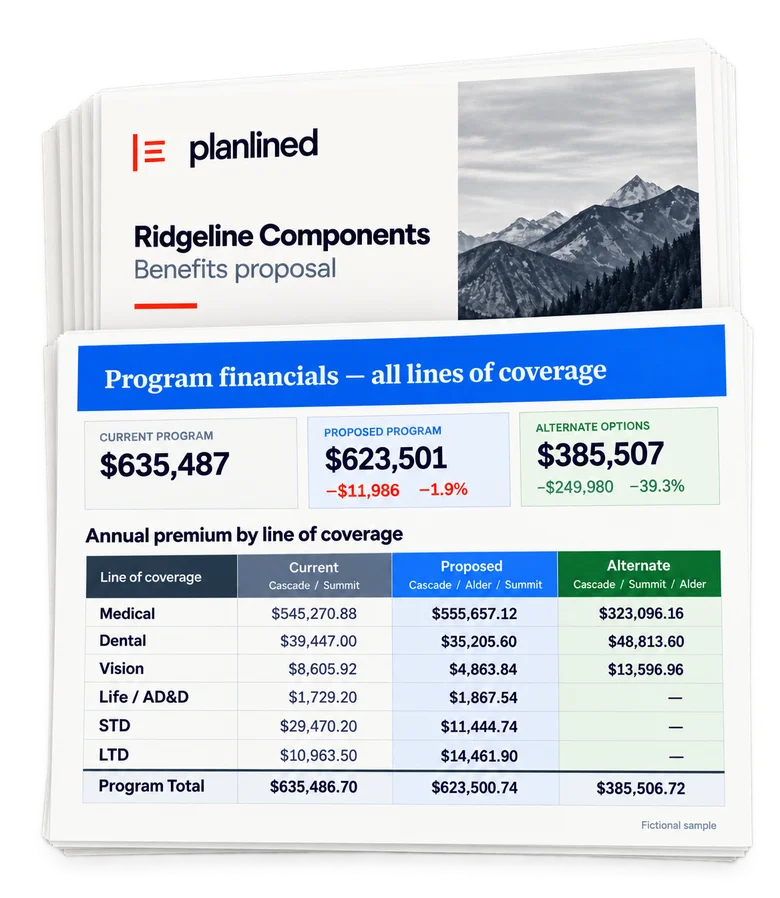
- Current program
- $635,487
- Proposed program
- $623,501
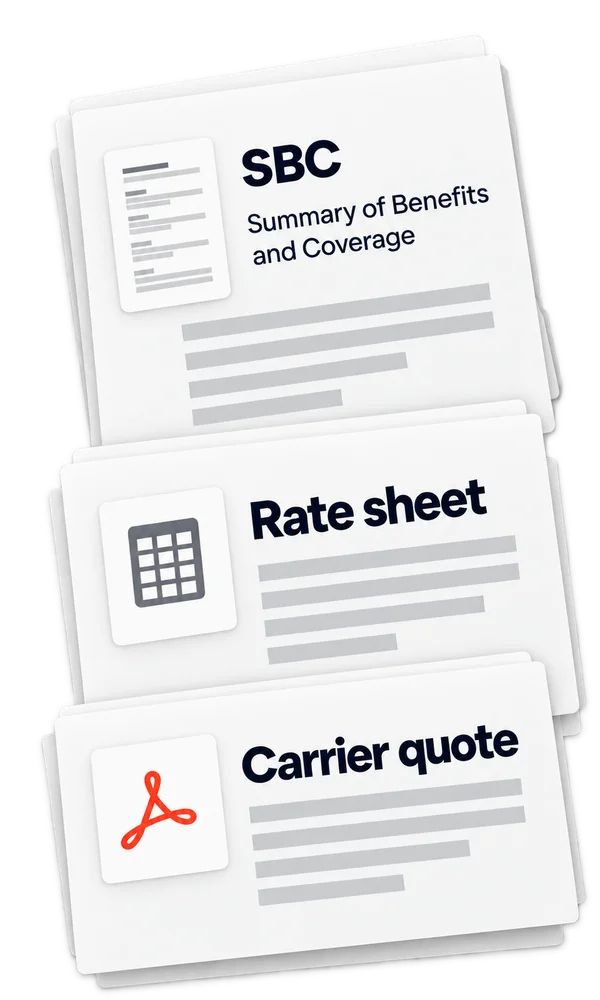
- 01Carrier packet
SBCs, rate sheets and carrier quotes received from the carrier.
- 02Broker review
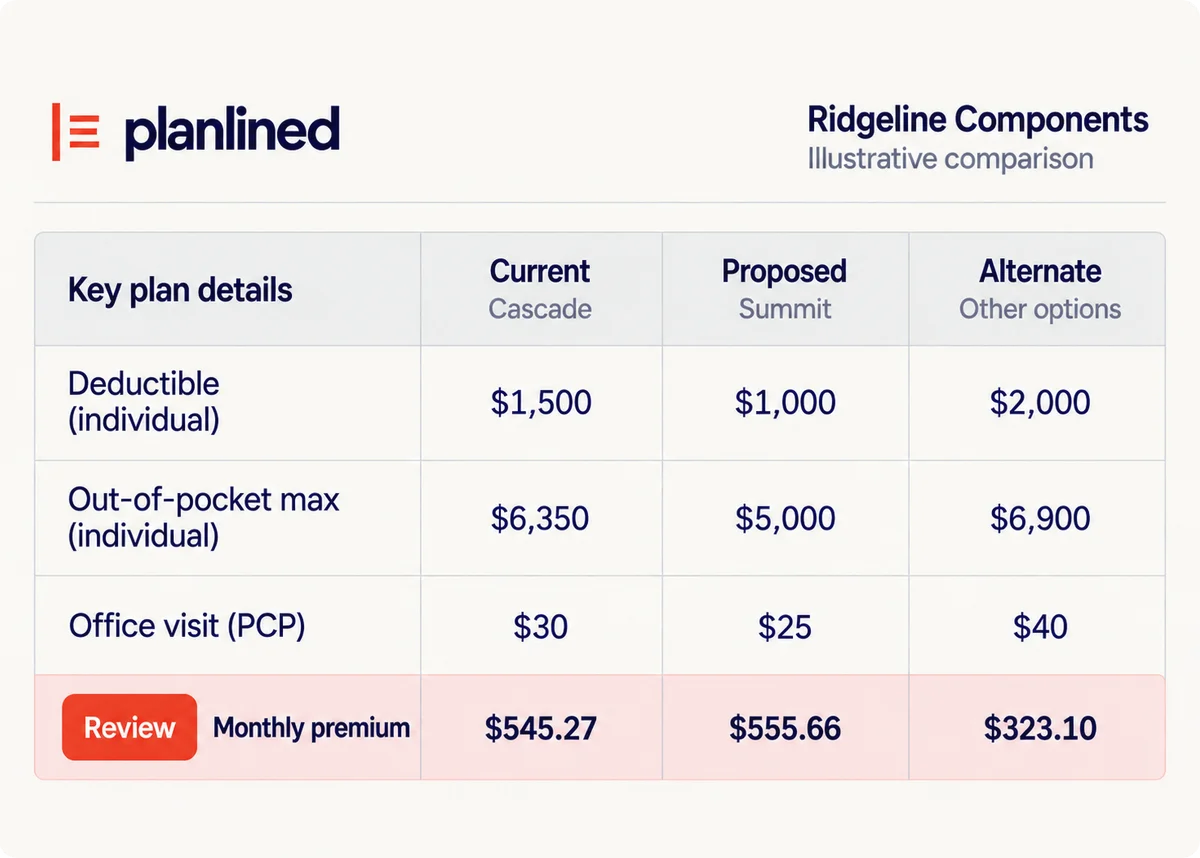
Review current, proposed and alternate plan benefits and rates against the source documents.
- 03Client proposal
Build a branded proposal with program financials for the client meeting.
AI assistant connector
From AI analysis
to the client meeting.
Bring your analysis into Planlined. Leave with a proposal you can present.
ClaudeChatGPTMicrosoft Copilot
- 01
Analyze in your assistant
Start with your carrier documents in Claude, ChatGPT or Copilot.
- 02
Review in Planlined
With your permission, bring in the plans and rates. Check them against the source.
- 03
Present to your client
Build a branded proposal or client presentation. Export the PDF when you’re ready.
Supported plans and workspace access
Claude Free, Pro, Max, Team and Enterprise, ChatGPT Business, Enterprise and Edu, and Microsoft Copilot through Copilot Studio are supported. Assistant plan eligibility and workspace permissions apply.
How it works
Your recommendation. Checked and ready.
01
Check the source
Review extracted benefits and rates beside the original carrier files.
02
Compare your options
Model employer contributions and employee costs before you recommend.
03
Build the proposal
Use the reviewed case for your proposal, presentation and employee guide.
Client-ready materials
Make the recommendation easy to understand.
Put plan comparisons, program costs and contribution scenarios in a branded proposal for the employer meeting.

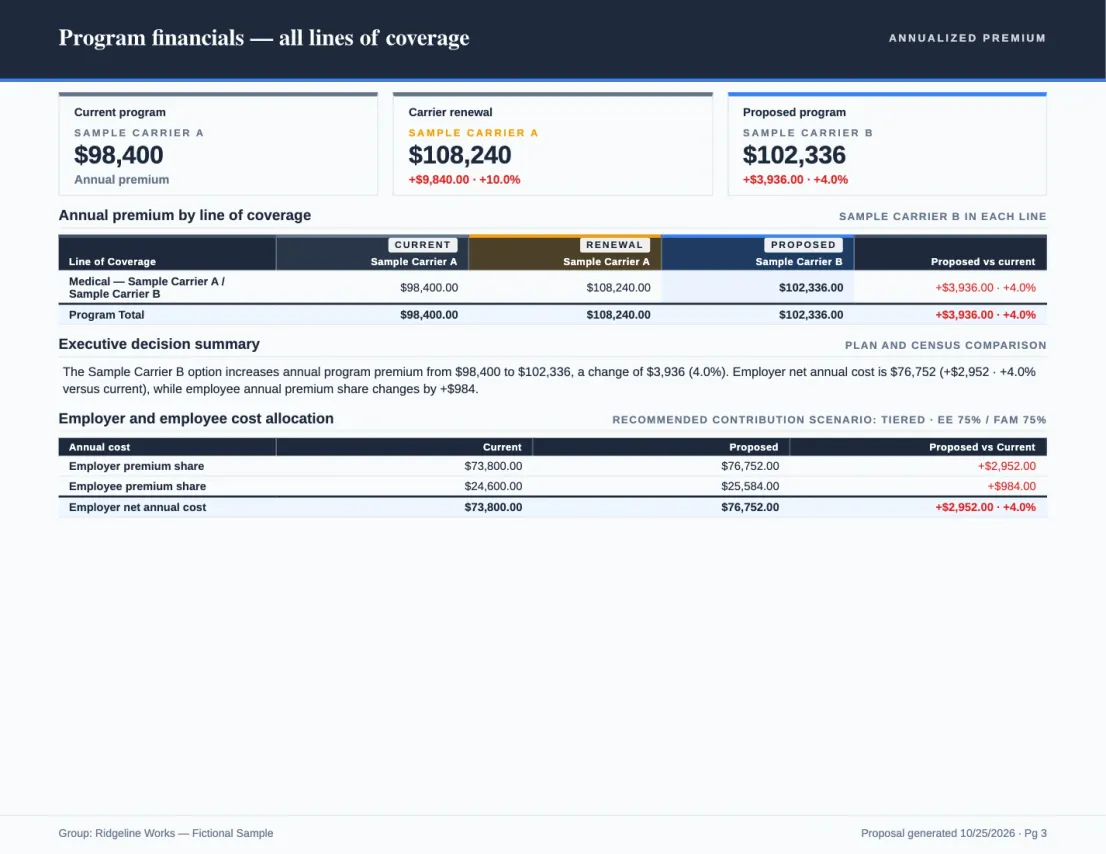
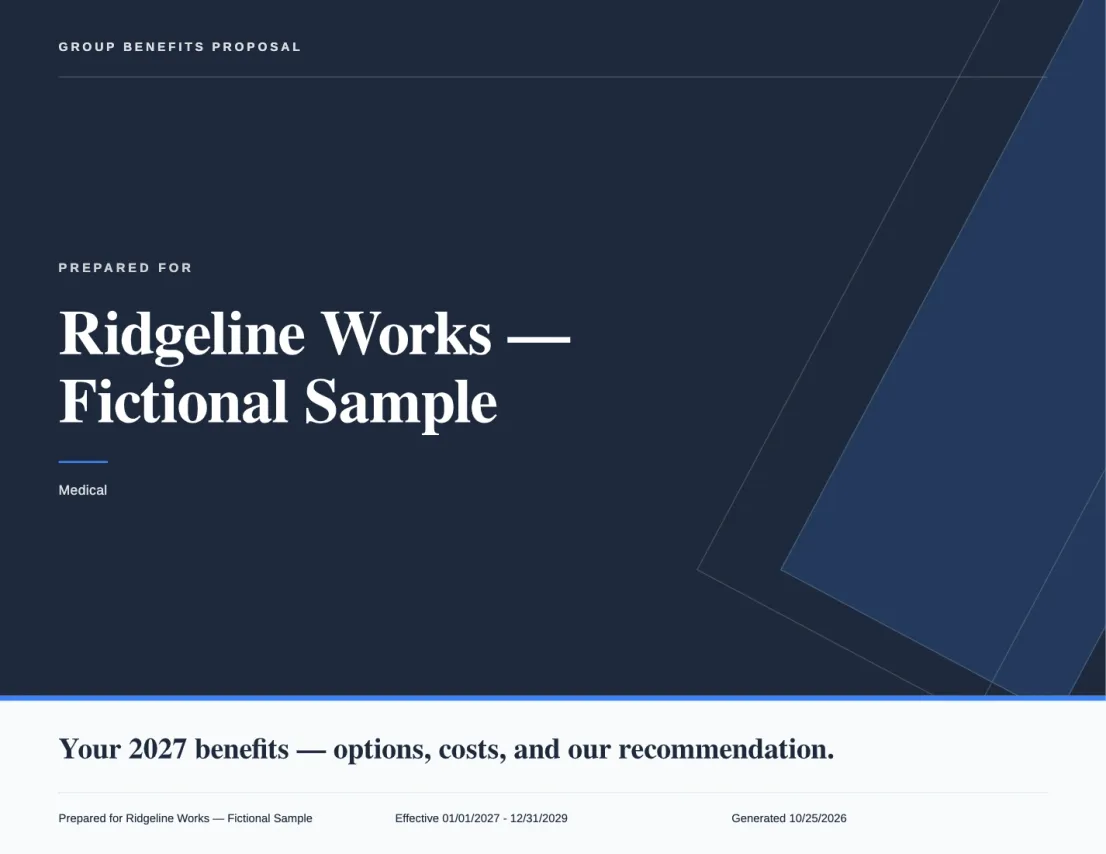
Actual export · fictional sample data
What Planlined is
Benefit proposal software for brokers.
Planlined is benefit proposal and employer presentation software for employee-benefits brokers and general-agency service teams in the US group market. You bring the carrier quotes, SBCs, rate sheets and invoices you already have. Planlined reads them into reviewable plan data, compares plans side by side across carriers, models employer contributions and what-if scenarios, and builds the branded proposal, the client presentation and the employee benefit guide from the same case.
You review the extracted values against the source documents before anything reaches the client. Planlined is not a quoting engine, a carrier marketplace or a benefits administration platform: it does not supply rates, run enrollment or process payroll. It launched as BART in 2025.
Simple pricing
Try your next renewal.
Start a 7-day free trial with full features. A card is required to start, and Professional bills $75 a month after the trial unless you cancel first.
$75/month
Or $744/year ($62/month billed annually).
250 AI credits per month. Unlimited paid cases and exports.
Full pricing and what is included- Encrypted in transit and at restTLS, S3 server-side encryption
- Verify against the sourceCheck values against the original
- 7-day free trialFull features
- Email supportAsk about setup and billing
Run your next renewal through Planlined.
Bring a real carrier packet. Review the numbers and build a proposal for your next client meeting.
Prefer to see it with a person? Book a walkthrough