Feature
Client Sharing & Delivery
Share recommendations through secure links, proposal exports, and presentation mode — all generated from one Planlined case.
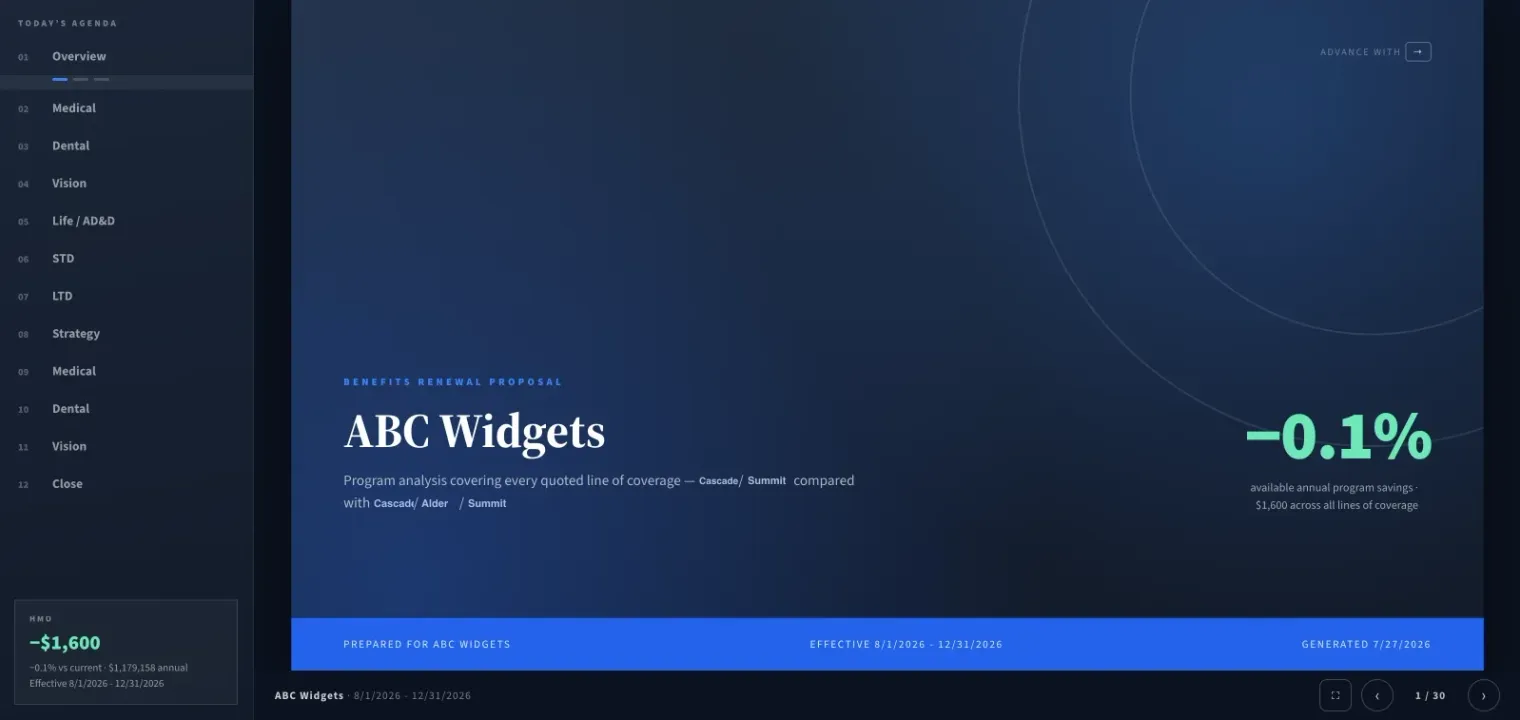
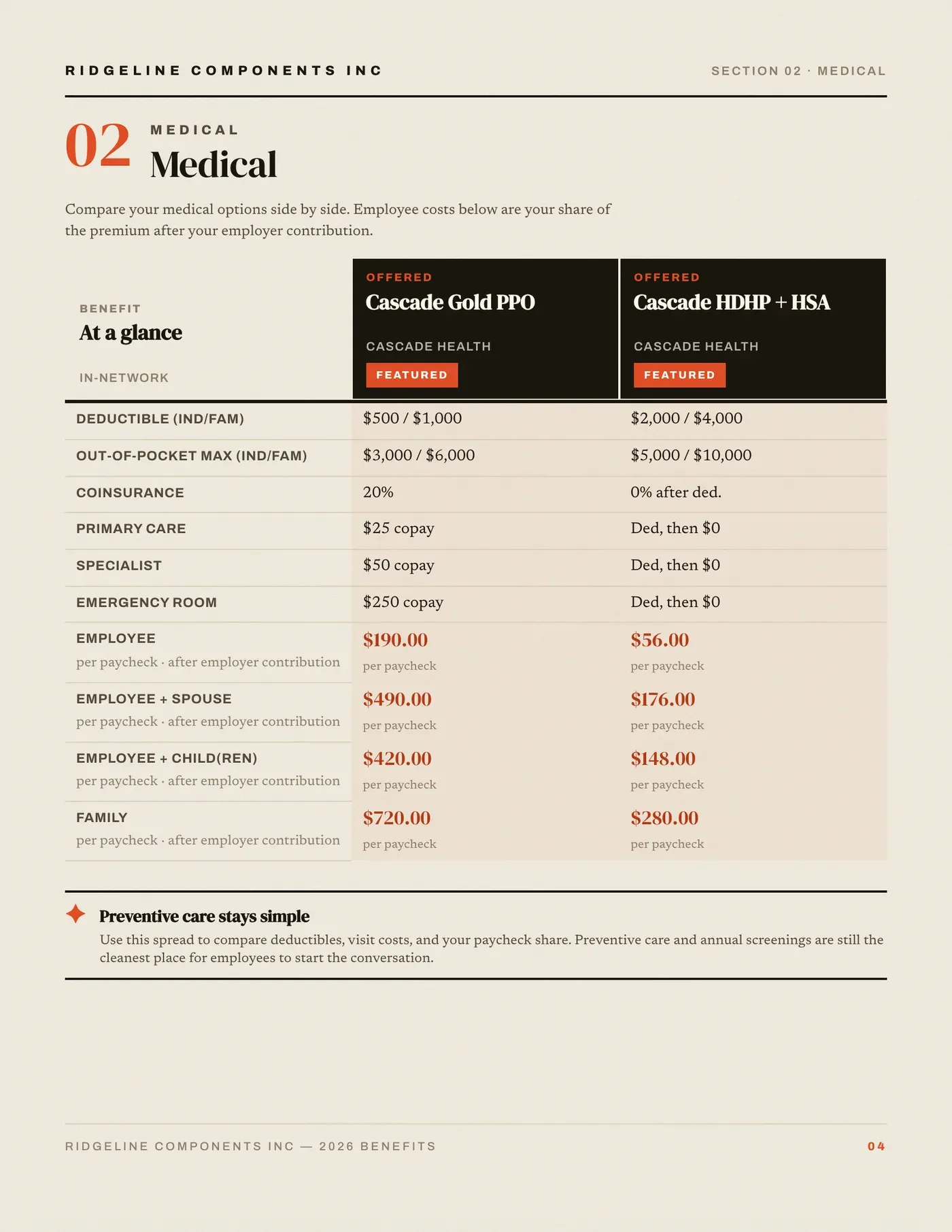
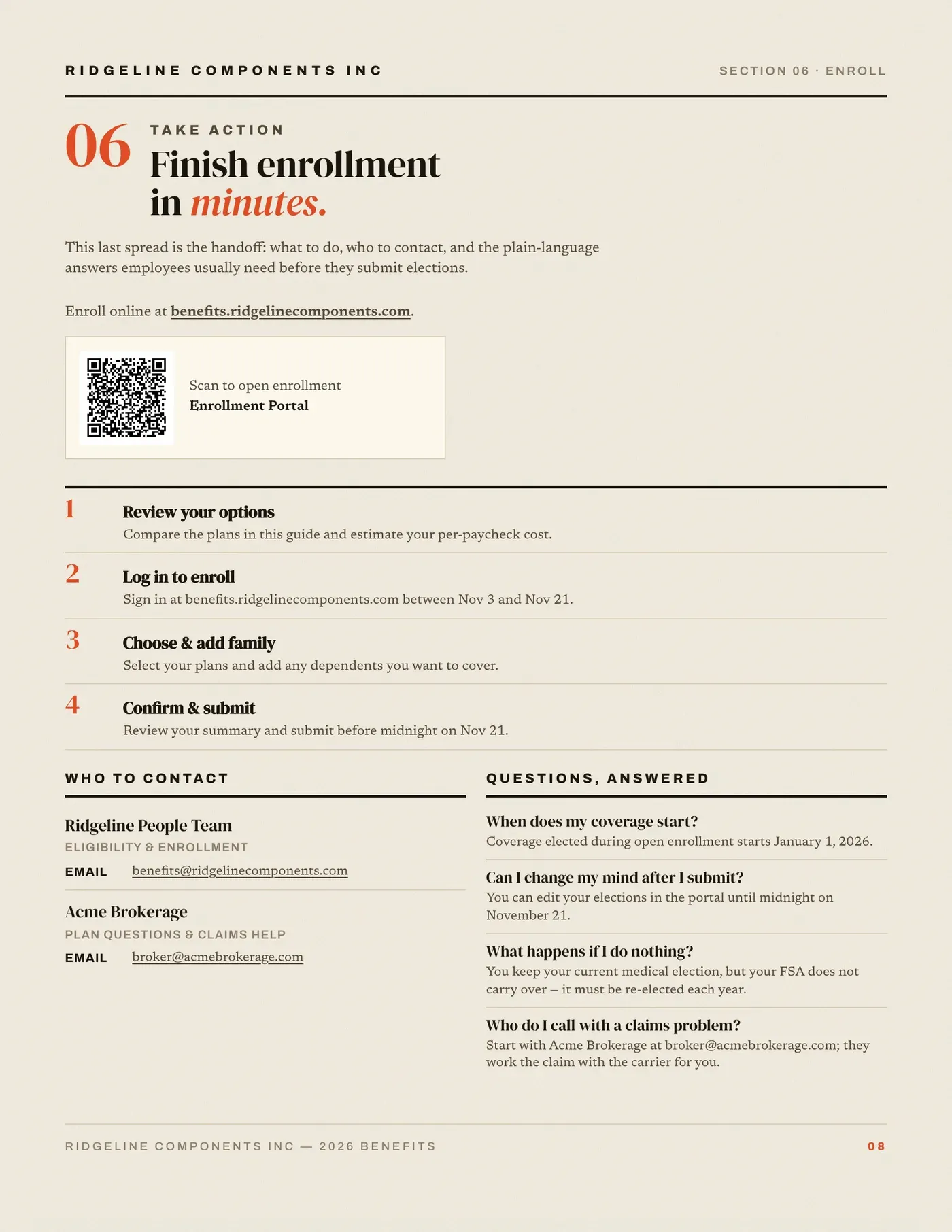
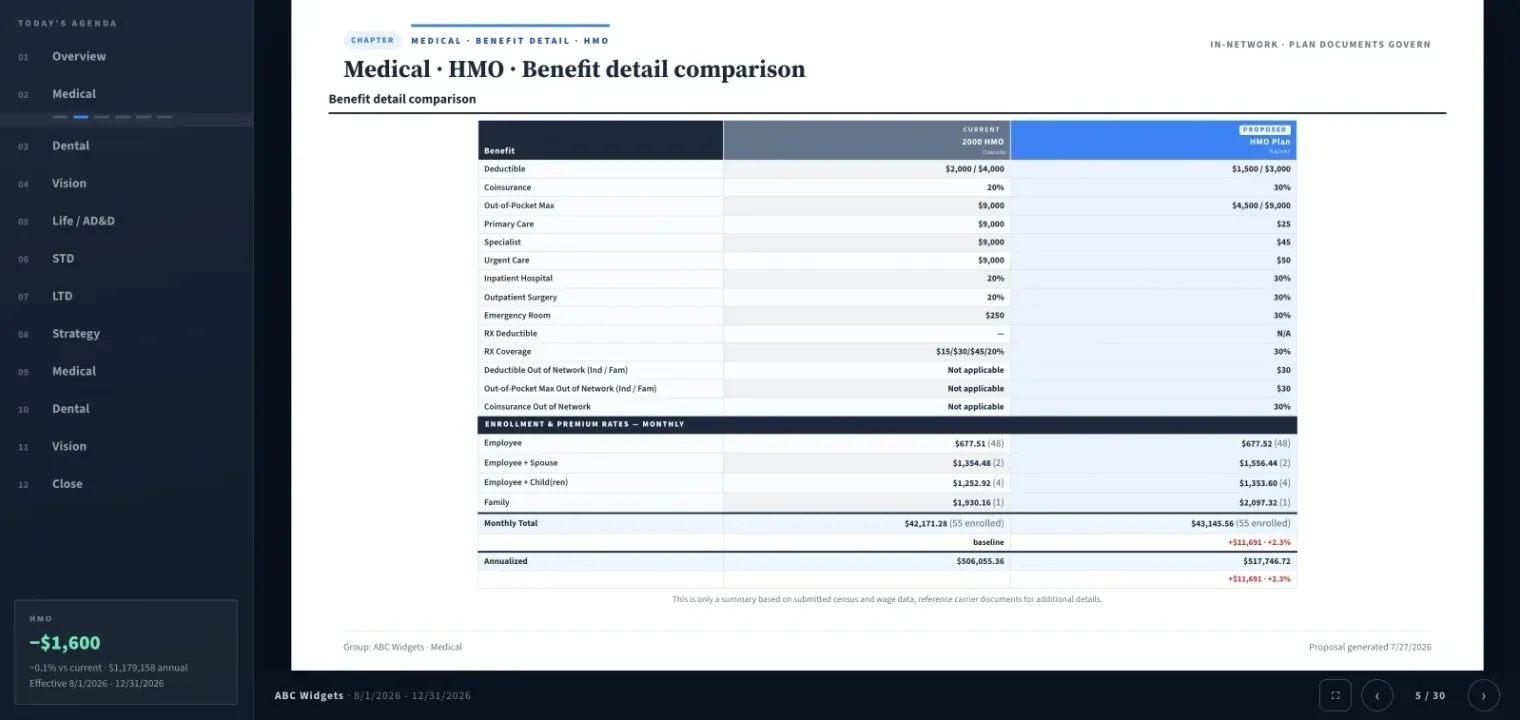
Page 1 of 4The client screen, free of notes and controls.
What you get
Why Client Sharing & Delivery?
- Secure Share LinksSend client-facing links with controlled access so teams can review recommendations without emailing large attachments.
- Proposal Book DeliveryPublish the same case as a polished document when the client wants a board-ready leave-behind.
- Presentation Mode HandoffMove from prep to live meeting without rebuilding content in separate slide software.
- Benefit Guide Follow-UpGenerate an employee-facing guide from the same recommendation once leadership signs off.
- Revision-Safe SharingWhen case data changes, regenerate outputs from the same source so shared materials stay in sync.
- Broker-Controlled StorytellingDecide which chapters, comparisons, and recommendations clients see for each delivery format.
Review the handoff before sending.
Complete an internal review before client delivery. Open the intended link or exported file, confirm the plans, recommendation and branding, and check the client view on the screen size the recipient will use. Include a short message explaining what to review, the decision needed and how to send questions.
After a material revision, regenerate and review the output, tell recipients what changed, and identify which version they should use. Keep a record of the material sent and the feedback received with your review notes.
How teams deliver today
Before the meeting
- ●Build the recommendation once in the case workspace
- ●Select branded output: proposal book, deck, or guide
- ●Regenerate after edits so every version stays aligned
- ●Share secure links instead of forwarding attachments
During and after review
- ●Walk through plan differences in presentation mode
- ●Hand off a proposal book for committee circulation
- ●Provide an employee-facing guide for enrollment rollout
- ●Keep every stakeholder on the same recommendation set
Inputs and outputs
What goes in, what comes out.
You bring
- One approved case: the plans, contribution settings and the recommendation you chose.
- The delivery format for each audience: proposal book, live presentation or benefit guide.
- The employer contact list, when the guide or a notice goes out by email.
You get back
- Secure links with controlled access, in place of large email attachments.
- A proposal book PDF for committee circulation.
- A live presentation run from the case, with no slide file to rebuild.
- An employee benefit guide as a PDF and as a hosted link employees open on a phone.
Every accepted file type and export format is listed on the integrations, exports and API page, and the one-page summary of what Planlined is and is not lives on Planlined product facts.
When to use it
Where it fits in a renewal.
- Ahead of the renewal meetingSend the committee a secure link to review before they sit down, instead of forwarding a PDF around.
- In the roomWalk through plan differences in presentation mode, then leave the proposal book behind for the people who could not attend.
- After leadership signs offPublish the benefit guide link and email the guide to the employer contact list for the enrollment rollout.
What it does not do
- It does not produce PowerPoint or Word files. Meetings run from Presentation Mode and the leave-behind is the proposal book PDF.
- It is not an enrollment system. The guide explains plans and enrollment steps; elections happen in the employer's enrollment portal.
- It is not a CRM, so client contact history is not tracked here.
Client sharing and delivery questions
How do clients receive a Planlined proposal?
Through a secure share link, a proposal book PDF, or a live presentation in the meeting, all generated from the same case. When the case changes, regenerate the outputs so every version stays aligned.
Can employees open the benefit guide on a phone?
Yes. The guide publishes as a hosted link as well as a PDF, and you can email it to the employer contact list from the case.
Can I choose what each client sees?
Yes. Decide which chapters, comparisons and recommendations appear in each delivery format before you share it.
Run your next renewal through Planlined.
Upload the carrier packet. Walk out with the comparison, the proposal book and the employee guide.