Compare group health insurance plans side by side
Use the editable four-tier worksheet below without an account. Enter rates, enrollment, contributions and benefit terms; compare the costs and download a CSV. PDF import and source review are separate features in the Planlined app. The completed Excel and PDF examples are also free to inspect.
Free interactive comparison
Edit the plans. Compare all four tiers.
A synthetic example is loaded. Type rates and benefit terms from the quotes you want to compare. This worksheet calculates premiums, contributions and deductions locally; it does not parse PDFs, verify networks or upload your entries.
Edit all three plans, enrollment and tier contributions
Employee only
Employee + spouse
Employee + children
Family
| Coverage tier | Current | Renewal | Proposed |
|---|---|---|---|
| Employee only | $500.00 | $550.00 | $520.00 |
| Employee + spouse | $1,000.00 | $1,100.00 | $1,040.00 |
| Employee + children | $900.00 | $990.00 | $936.00 |
| Family | $1,400.00 | $1,540.00 | $1,456.00 |
| Annual group premium | $98,400.00 | $108,240.00 | $102,336.00 |
| Coverage tier | Current | Renewal | Proposed |
|---|---|---|---|
| Employee only | $62.50 | $68.75 | $65.00 |
| Employee + spouse | $125.00 | $137.50 | $130.00 |
| Employee + children | $112.50 | $123.75 | $117.00 |
| Family | $175.00 | $192.50 | $182.00 |
| Employer annual share | $73,800.00 | $81,180.00 | $76,752.00 |
Group totals use the same enrollment for each option. Proposed costs $3,936.00 more per year than Current. Compare the benefit terms and provider access alongside cost.
Edit and compare the benefit terms
| Benefit | Current | Renewal | Proposed |
|---|---|---|---|
| Individual deductible | |||
| Family deductible | |||
| Individual out-of-pocket max | |||
| Family out-of-pocket max | |||
| Member coinsurance | |||
| Primary care | |||
| Specialist | |||
| Urgent care | |||
| Emergency room | |||
| Rx tiers 1 / 2 / 3 |
No email or account is required. Values remain in this page’s memory and the CSV you choose to download. Reloading clears edits.
What to collect before you compare anything
A group health comparison is only as good as the paperwork behind it, and the most expensive mistakes happen before any numbers are lined up. Gather these in this order, because each one changes how you read the next:
- The current plan, in full. Not the renewal letter's summary of it — the actual SBC or benefit summary in force today, plus a recent invoice. The invoice tells you who is really enrolled, which is frequently not what the census says.
- The census the carriers were quoted on. Ages, coverage tier, and home ZIP or rating area per employee. If the quotes came back on different censuses, nothing downstream is comparable.
- The renewal offer from the incumbent. Including any alternate or "buy-down" plans the incumbent offered alongside it.
- Every competing quote, with its rate sheet. The benefit summary alone is not enough; you need the rates by coverage tier and the effective date each quote assumes.
- The employer's current contribution strategy. Percentage or flat dollar, by tier, and whether it is applied to the lowest-cost plan or the enrolled plan. This is what converts premium into the number the client actually cares about.
Anything missing at this stage becomes an assumption, and assumptions are what get discovered in the client meeting.
The fields that actually decide a comparison
Brokers rarely lose a case on the deductible. They lose it on a field nobody lined up because the carriers described it differently. These are the rows worth building every time:
| Field | Why it decides things | Where to read it |
|---|---|---|
| Network type and name | An HMO and a PPO with identical cost shares are not the same offer if the group's physicians are only in one of them. | Quote cover page and SBC header, spelled exactly as the carrier spells it |
| Individual and family deductible | Embedded versus aggregate family deductibles change the worst case for a family by the full individual amount. | SBC, first rows |
| Coinsurance and out-of-pocket maximum | The out-of-pocket maximum, not the deductible, is the number that caps a bad year. | SBC |
| Office visit, urgent care and ER cost shares | These drive how the plan feels to the average employee, who never touches the deductible. | SBC common medical events table |
| Prescription tiers | A plan can win on every medical row and lose on specialty drug coinsurance. | SBC and the carrier's Rx rider |
| Monthly rate by coverage tier | The only place the comparison becomes money. | Rate sheet, not the proposal summary page |
| Rate basis and effective date | Composite versus age-banded, and a quote written for a different effective date, are the two most common reasons totals do not reconcile. | Rate sheet footnotes |
Start in a spreadsheet, then stop retyping
If you are building your first comparison, do it by hand once: it is the fastest way to learn which fields the carriers disagree about. Lay the plans out in columns, put the fields above in rows, and add a row for annual employer cost and annual employee cost at current enrollment. The group health insurance comparison spreadsheet has that layout ready to fill in.
The manual method stops scaling at about the third carrier, or the first time a carrier sends a revised rate sheet two days before the meeting. That is the point where re-keying stops being tedious and starts being a source of errors, and where reading the fields out of the carrier PDFs instead of typing them earns its keep. What Planlined does and does not do is listed plainly on product facts — notably, it is not a quoting engine, so the premiums in the comparison are the ones in the documents you uploaded.
Build the comparison from reviewed source material
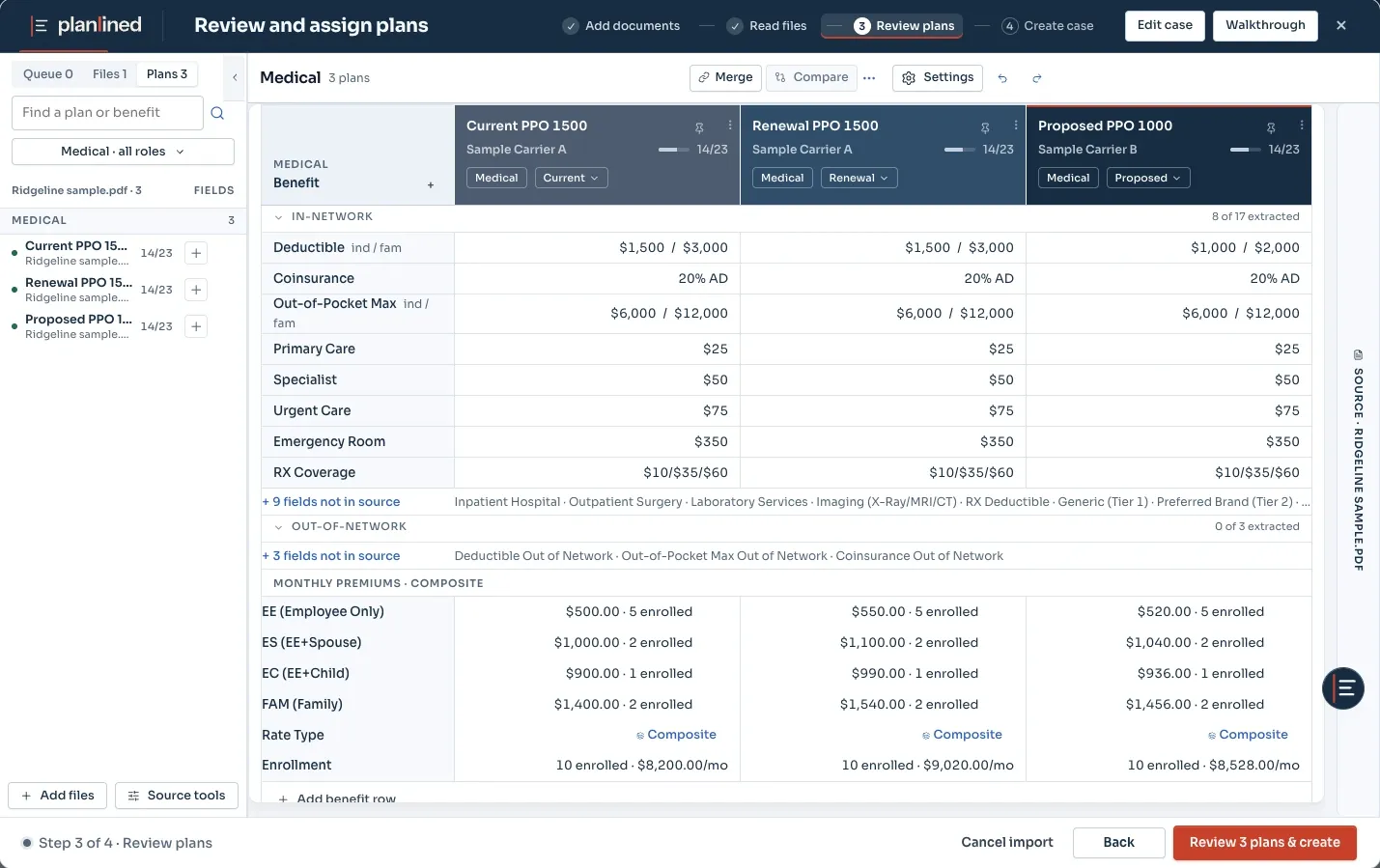
Start with carrier quotes, rate sheets, benefit summaries, SBCs, and current-plan material. Planlined keeps those sources connected to the case while you review the plan details that drive the recommendation.
Review before you recommend
Compare the plan values that matter to the client conversation. Confirm the details against the source files, organize the current, renewal, and alternative options, and resolve questions before they appear in client materials.
Work alternatives without losing the baseline
When the recommendation needs contribution or enrollment alternatives, use Scenario Manager to create a safe working copy. The original case remains the reference point until you deliberately adopt the scenario you want to carry forward.
Prepare the right client output
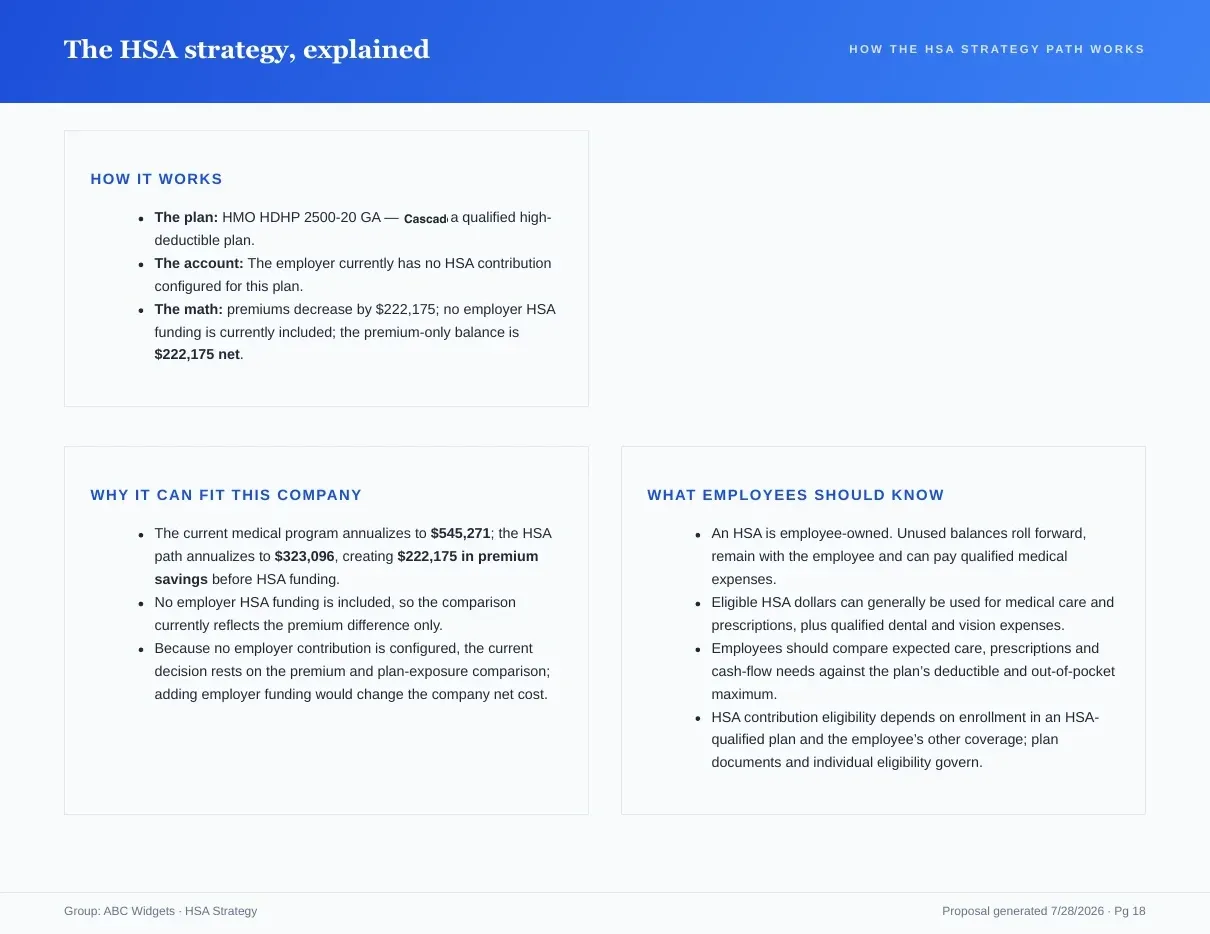
Use the approved case for a Proposal Book, a Present Proposal deck, or a Benefit Guide. The comparison and the delivery material stay linked to the same reviewed recommendation.
Small group and larger group comparisons differ
The mechanics are the same; what varies is where the decision is won. Small groups are generally community- or age-rated, so plan design and contribution strategy are the levers you have — the rates are what they are. States define the small group market differently, with the threshold sitting at 50 employees in most and 100 in a few, so confirm which market a group falls in before you assume how it will be rated (CMS SHOP overview).
Larger groups bring claims experience into the conversation, which means the comparison has to carry a second layer: what each carrier assumed about the group, not just what each plan covers. A quote that looks 8% cheaper because the carrier trended differently is not the same finding as a quote that is cheaper because the plan design is leaner, and the client will ask you which it is.
A worked example: Ridgeline Components
Ridgeline Components Inc is the sample case Planlined ships with — a group renewing medical alongside dental, vision, life and disability. The comparison work runs like this:
- Bring in the incumbent's renewal, the current SBC, a recent invoice and two competing carriers' quotes and rate sheets.
- Reconcile the invoice against the census first. If the invoice bills 3 more employee-and-spouse tiers than the census shows, fix that before comparing anything — every annual total downstream depends on it.
- Build the plan rows: deductible, coinsurance, out-of-pocket maximum, the four common cost shares, Rx tiers, then the rate by tier.
- Check each row against the page it came from, and correct anything flagged before it becomes a client-facing number.
- Apply the employer's contribution strategy and produce annual employer cost and annual employee cost per plan. These are the two lines the client will read first.
- Only then decide what to recommend, and use a named working scenario to test the alternatives rather than editing the baseline.
Where group health comparisons go wrong
- Comparing monthly rates instead of annual totals at actual enrollment. A plan with a lower employee-only rate and a higher family rate can lose badly in a group that skews toward family coverage.
- Mixing effective dates. One quote written for a 60-day-later effective date is not comparable to the rest, and the difference usually looks like a discount.
- Treating an embedded and an aggregate family deductible as the same row.
- Copying the network name loosely. "Choice" and "Choice Plus" are different networks; employees find out at the provider's front desk.
- Letting a revised rate sheet update the spreadsheet but not the proposal. This is the failure mode that keeping the comparison and the deliverable in one case is designed to remove.
- Presenting four plans with no recommendation. A comparison is a tool for reaching a decision, not a substitute for making one.
What to check before you send the comparison
- Every plan's rates come from a rate sheet, and every rate sheet is for the same effective date.
- Enrollment counts used in the annual totals match the invoice, not just the census.
- Plan and network names are spelled as the carrier spells them.
- Every field that was flagged during review has been confirmed against its source page.
- Employer and employee annual cost appear for every option, under the contribution strategy the client actually uses.
- The recommendation is stated, with the reason, in one sentence a CFO can repeat.
Start a comparison case
Bring carrier plan material into one connected review and delivery workflow.