Feature
Proposal Builder
Build your recommendation once in Planlined, then deliver it as a proposal book, a live client deck, or an employee benefit guide.
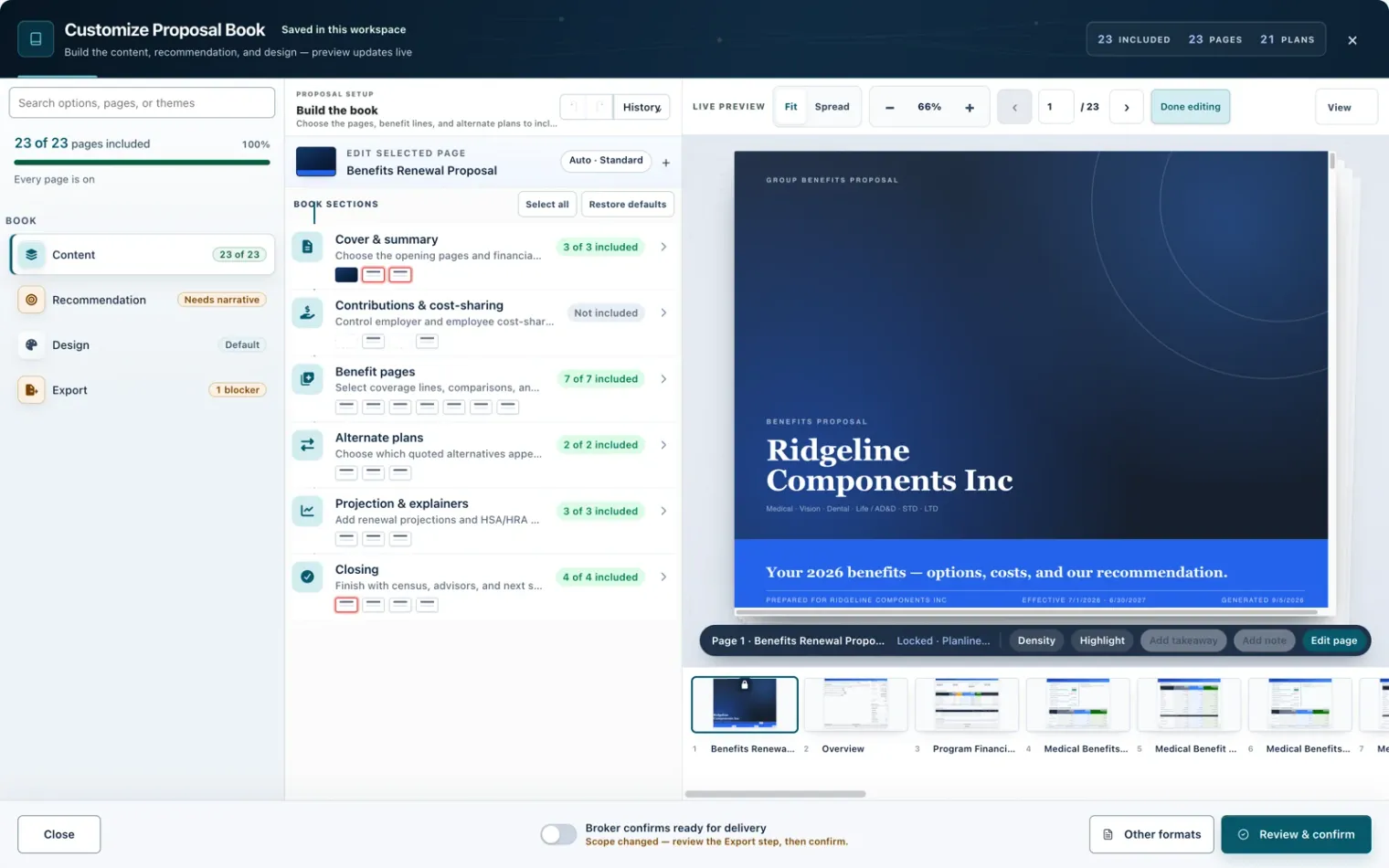
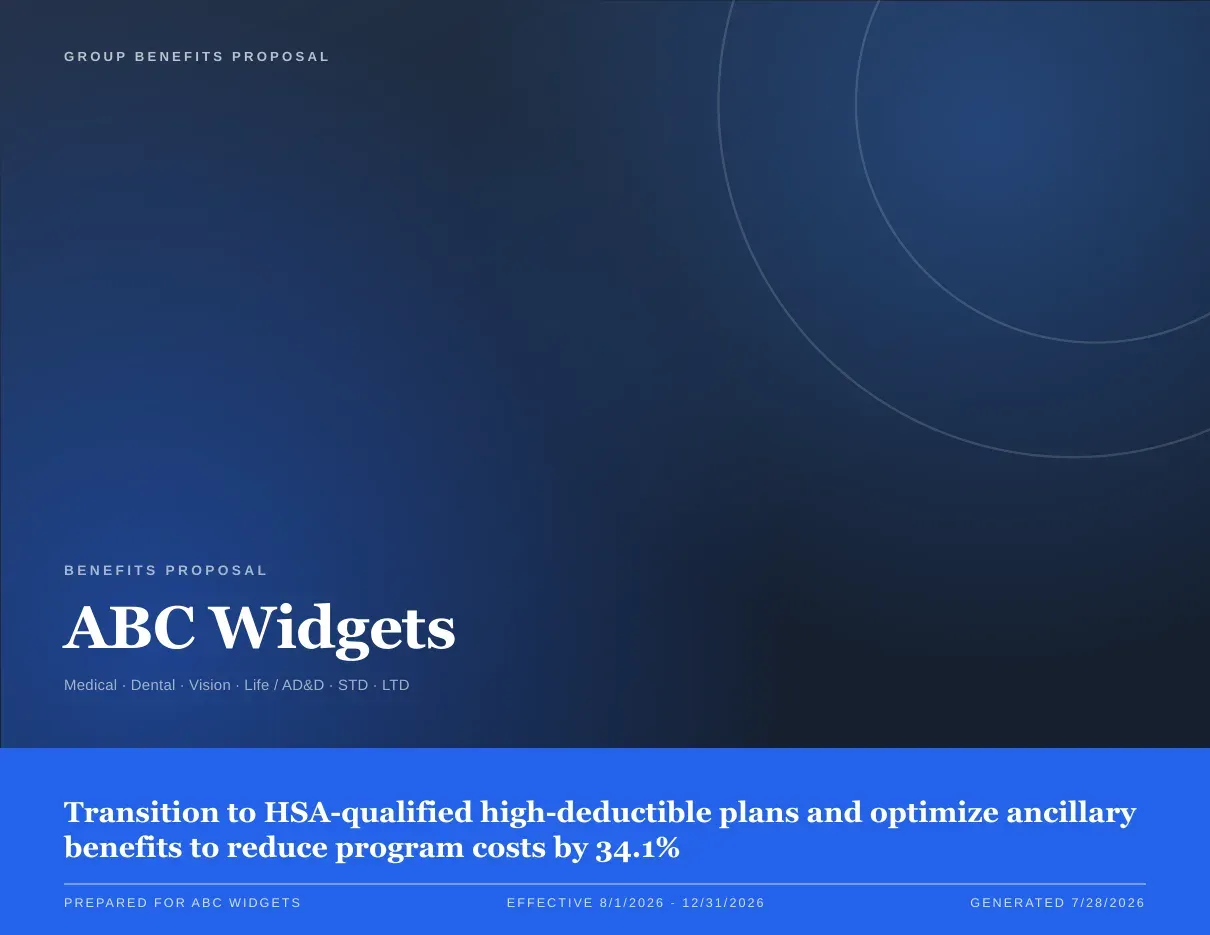
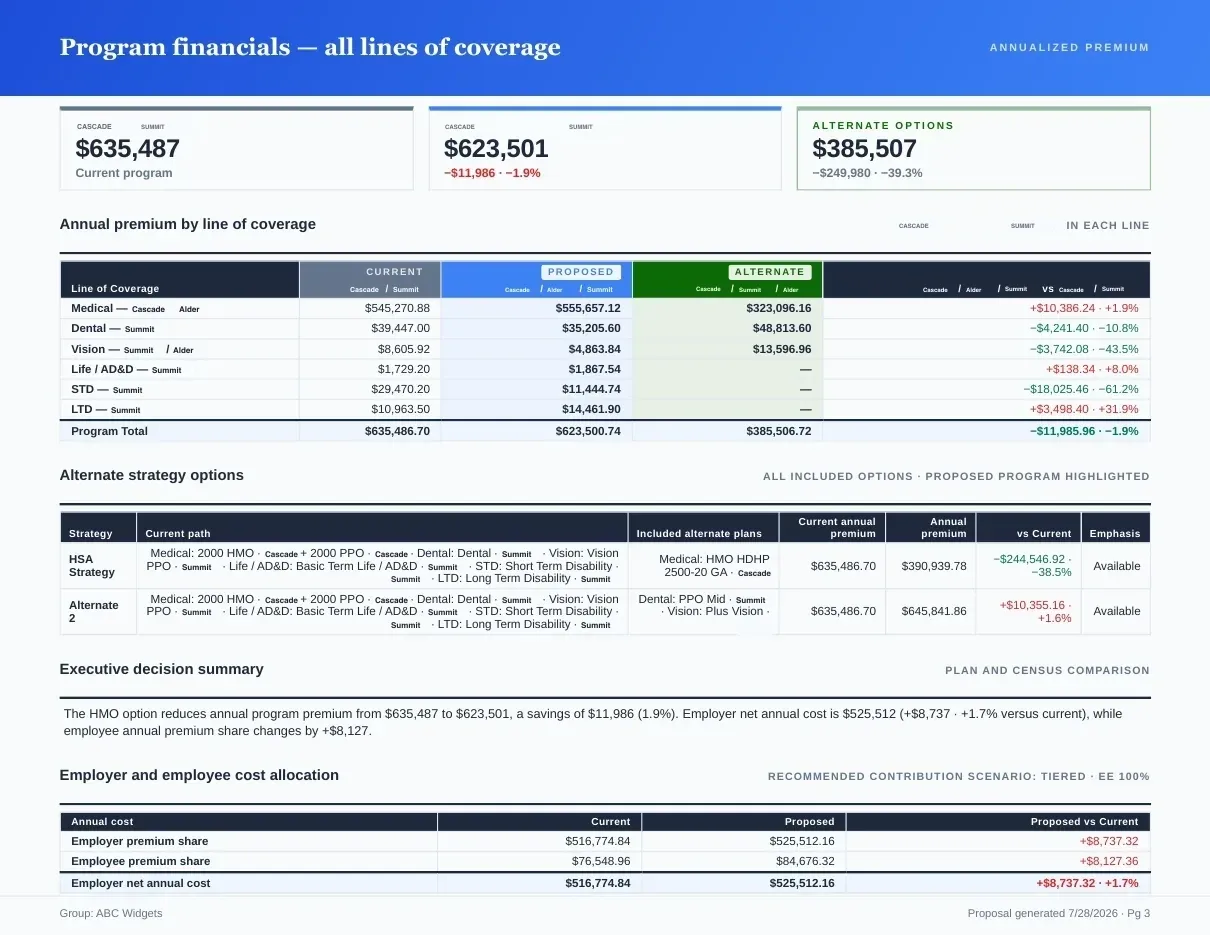
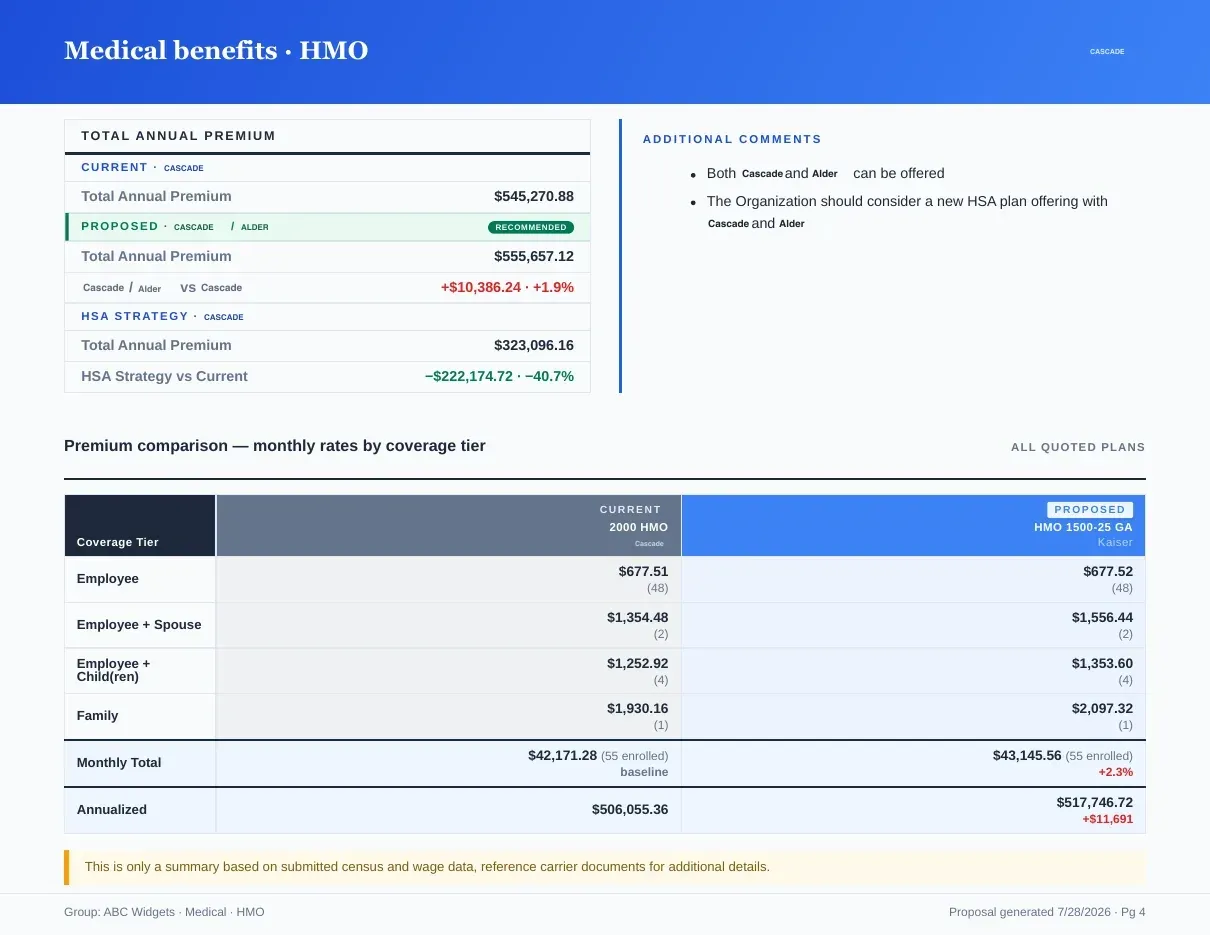
Page 1 of 4Pick the chapters; the preview updates live.
What you get
Why Proposal Builder?
- Single Source DataComparisons, contribution settings, and notes stay in one case and feed every output format.
- Chapter & Story ControlChoose which sections appear, reorder chapters, and tailor what each audience sees.
- Branded Design LayerApply logos, colors, and cover treatments so proposals match your agency or client branding.
- Multi-Output DeliveryPublish the same recommendation as a proposal book, live deck, and employee-facing guide.
- Editable NarrativeRefine recommendation language, enrollment instructions, and supporting notes before export.
- Repeatable RevisionsUpdate case assumptions and regenerate outputs without rebuilding the presentation from scratch.
Delivery Surfaces
Proposal Book
Designed leave-behind with financials, strategy, and decision pages
Presentation Mode
Live meeting view with chapter controls and private speaker notes
Benefit Guide
Employee-facing enrollment guide generated from the same case
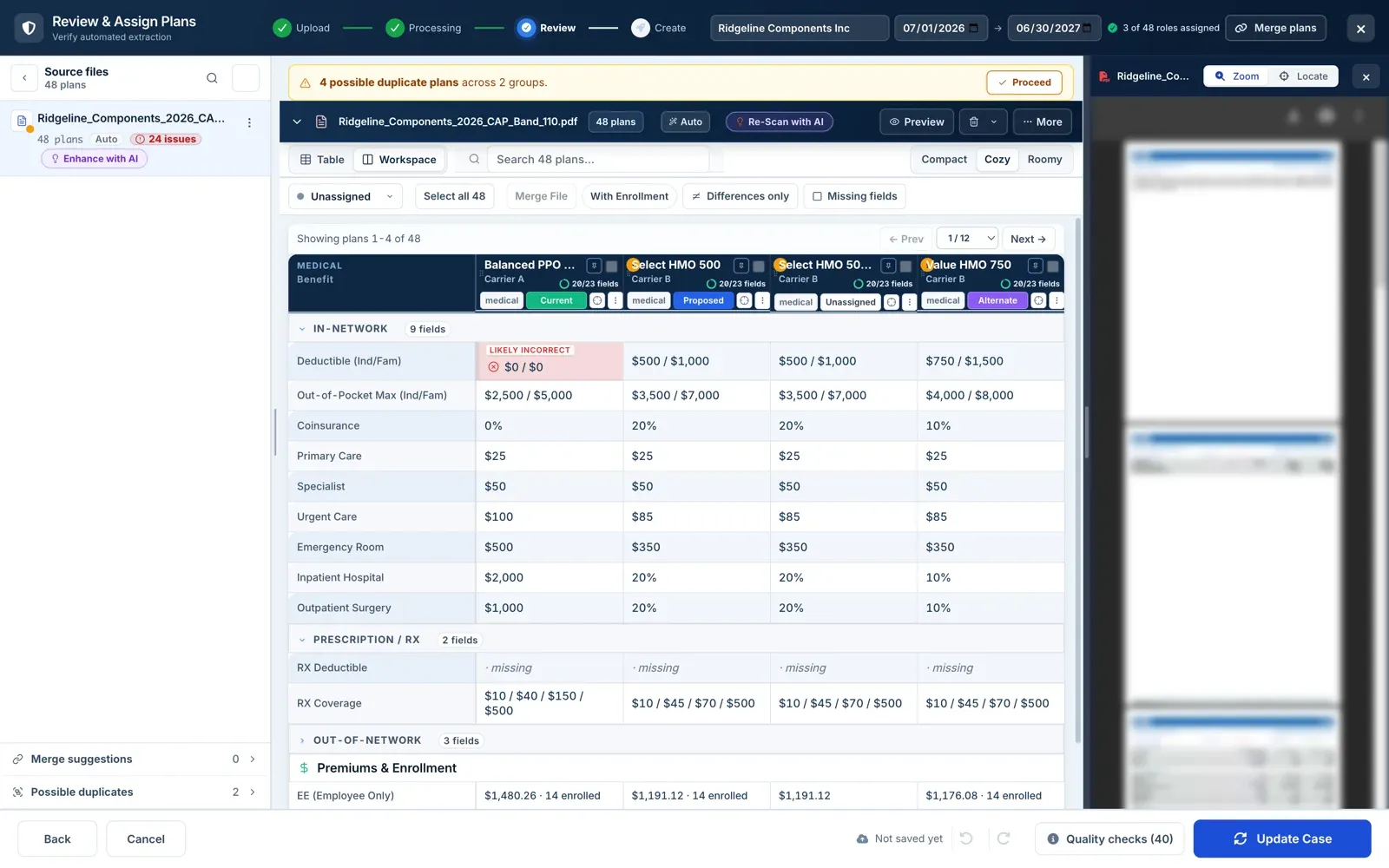
Case Workspace Preview
This is the working surface where recommendations are built before they are published.
Inputs and outputs
What goes in, what comes out.
You bring
- The verified case: plans, rates, contribution settings and your notes.
- The recommendation: the proposed path and its alternates.
- Branding: logos, colors and a cover treatment for the agency or the client.
You get back
- A proposal book as a PDF and an Excel workbook, with plan comparison, contribution scenarios and a multi-year projection.
- A live presentation run inside Planlined from the same story.
- An employee benefit guide as a PDF and a hosted link.
Every accepted file type and export format is listed on the integrations, exports and API page, and the one-page summary of what Planlined is and is not lives on Planlined product facts.
When to use it
Where it fits in a renewal.
- One recommendation, three audiencesThe committee gets the book, the meeting gets the live presentation and employees get the guide, all from one set of numbers.
- A late change before the meetingUpdate a case assumption and regenerate the outputs instead of correcting a deck, a PDF and a guide one by one.
- Different readers, different lengthsReorder chapters and switch sections off so each audience sees only the part of the story it needs.
What it does not do
- It does not export PowerPoint or Word files. Presentations run in the app and the leave-behind is the proposal book PDF.
- It is not a quoting engine. The numbers in every output are the ones from the carrier documents in the case.
Proposal builder questions
What can one Planlined proposal become?
A proposal book PDF and Excel workbook, a live client presentation and an employee benefit guide, each generated from the same case data.
Can I brand proposals for my agency?
Yes. Apply logos, colors and cover treatments so each proposal matches the agency or client brand.
What happens when the numbers change after the proposal is built?
Update the case and regenerate. Every output reads from the same source, so the book, the presentation and the guide stay in sync.
Run your next renewal through Planlined.
Upload the carrier packet. Walk out with the comparison, the proposal book and the employee guide.